15 Best Online Rewriting Tools Compared to Rewording Tool (Free & Paid Options)
Check out 15 best online rewriting tools compared to Rewording Tool. See free and paid options to easily create clear, unique, and readable content.
 Reviewed by: Allison Hott
Rewriting feels harder because it means changing the existing text into a new version without changing the meaning of the words. That might be something new for you, but it’s true.
Especially when you need to repurpose blogs, social posts, or web copy quickly.

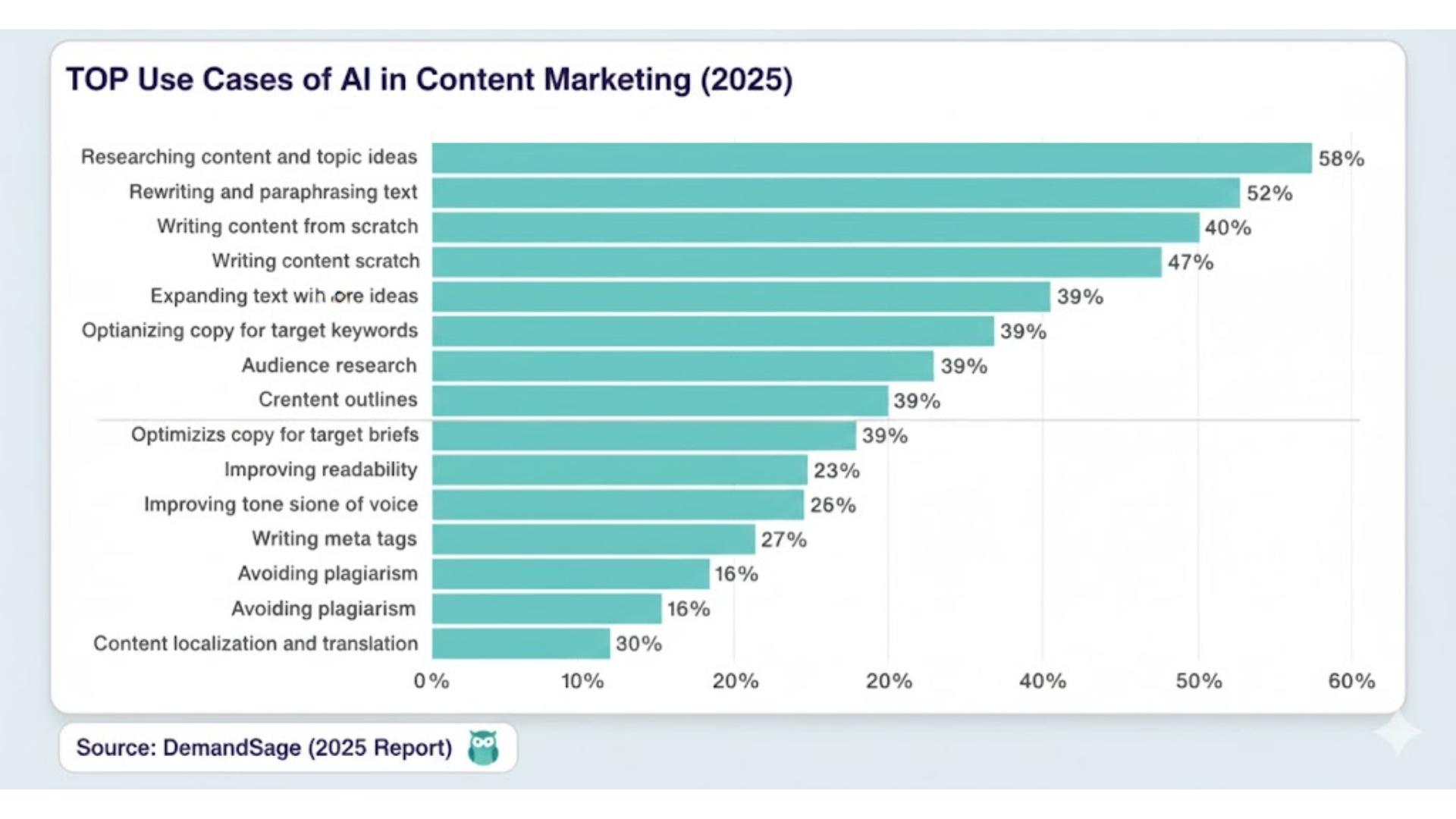
Because of that, a research concluded that 52% of content marketers now rely on AI tools for rewriting or paraphrasing text.
That shift isn’t accidental. When content creation or repurposing becomes easier, the speed, clarity, originality, and tone start to matter a lot.
A good rewriting tool can help you fix all of these at one platform.
In this article, I’m comparing 15 top online rewriting tools (both free and paid). I’ll tell you each and everything about online tools, so you can choose the best one for yourselves.
15 best online rewriting tools compared to rewording tool
In 2025, marketers, students, and writers don’t just want synonyms. They want tools that can humanize, clarify, localize, and improve tone without losing the text originality.
That’s why this comparison goes beyond features. Every tool has its own specific functions, accuracy level, readability, flexibility, and adaptability to different types of text. So, let’s define how each one performs in comparison to the rewording tool.
Rewording Tool
Rewording tool is one of the simplest rewriting tools you can find today.
No clutter, no confusing options. Just paste your text, choose a tone or language, and rewrite. That’s it.
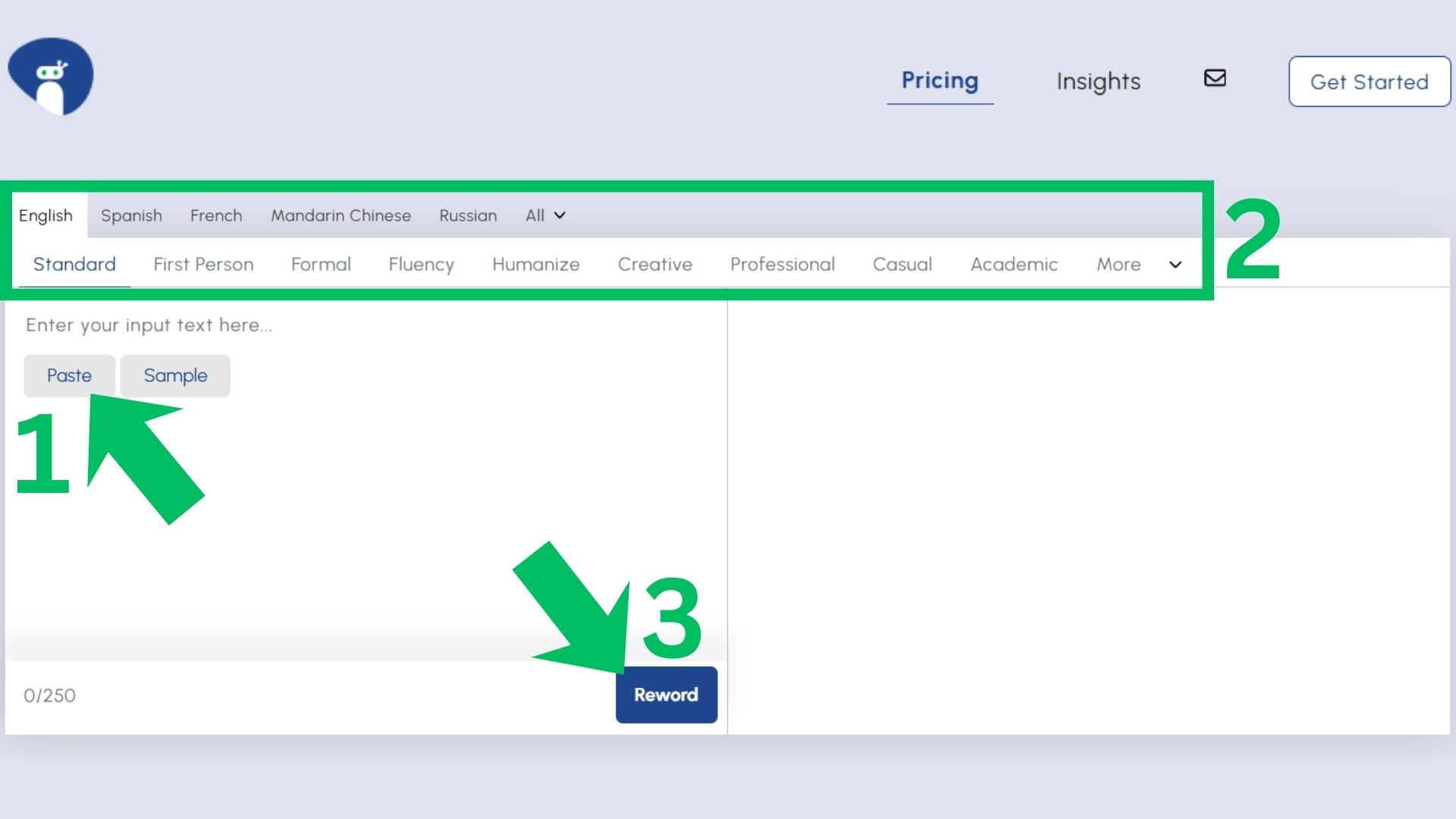
It offers around 15 different tones and languages, which makes it extremely flexible.
Means you can rewrite blogs, social media posts, academic content, stories, marketing, or localize content for another location.
But the best part is that you get all this without subscribing. Everything works instantly and for free.
This simplicity is the biggest advantage.
Many rewriting tools overwhelm users with complicated dashboards, but rewording tool works simple and straight to the point.
It is fast, clear and rewrites like human style.

Now let’s compare this tool with others, so you know why I vouch for this one.
1. Wordtune
When you compare rewording tool vs Wordtune, the biggest difference is flexibility.
Wordtune is extremely simple. But that simplicity also limits what you can do with it.
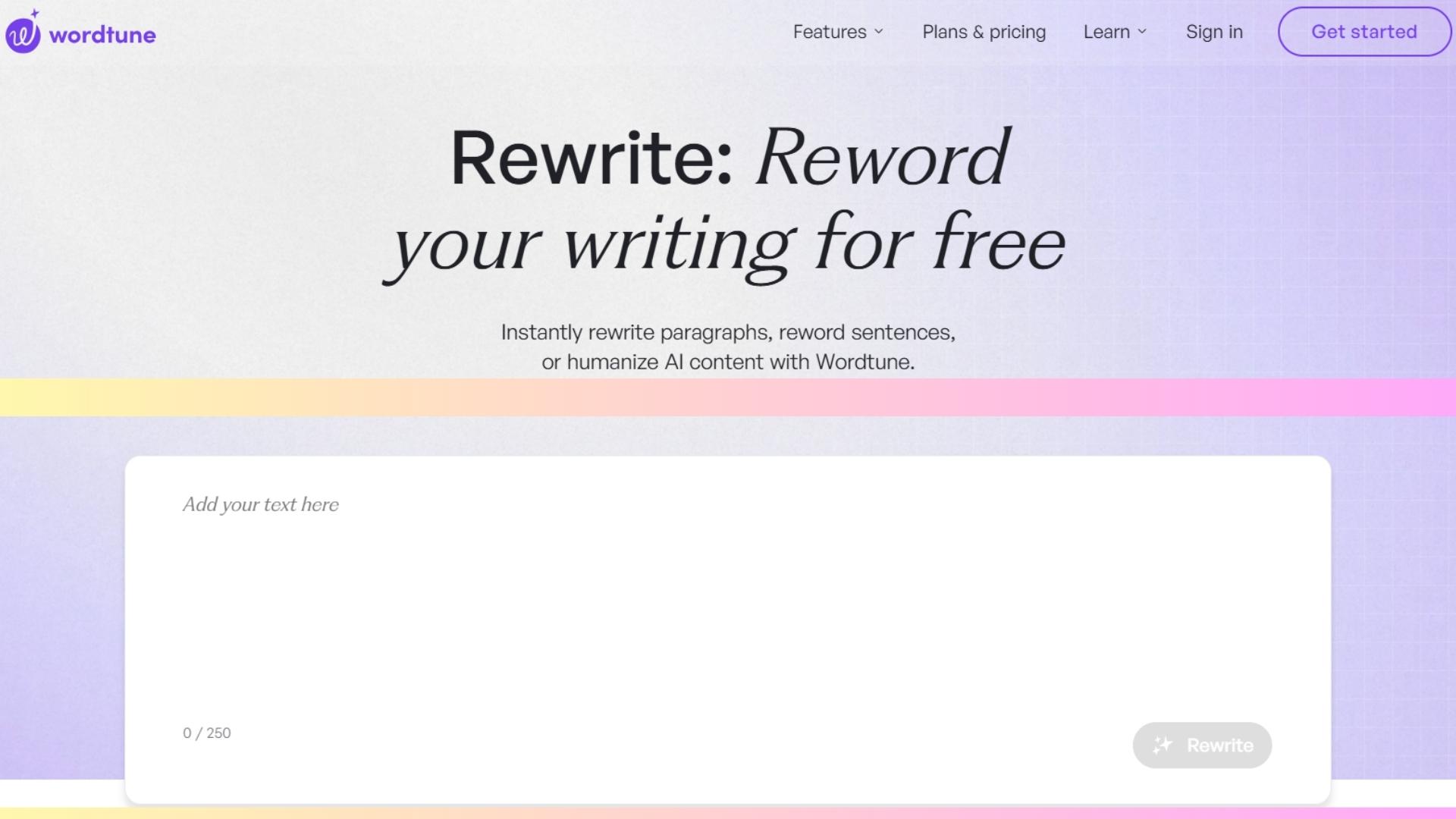
It offers just one main rewriting mode, the default one. No multilingual rewriting, no creative tones, no depth controls.
You can’t even rewrite more than 250 characters with it. It is more like a sentence rewriter.
Yes, that means fast and clean. But for many marketers, the lack of options removes the “soul” of rewriting.
You paste text, click rewrite, and that’s it. Nothing more to shape style, intent, or localization.
2. Reword Generator
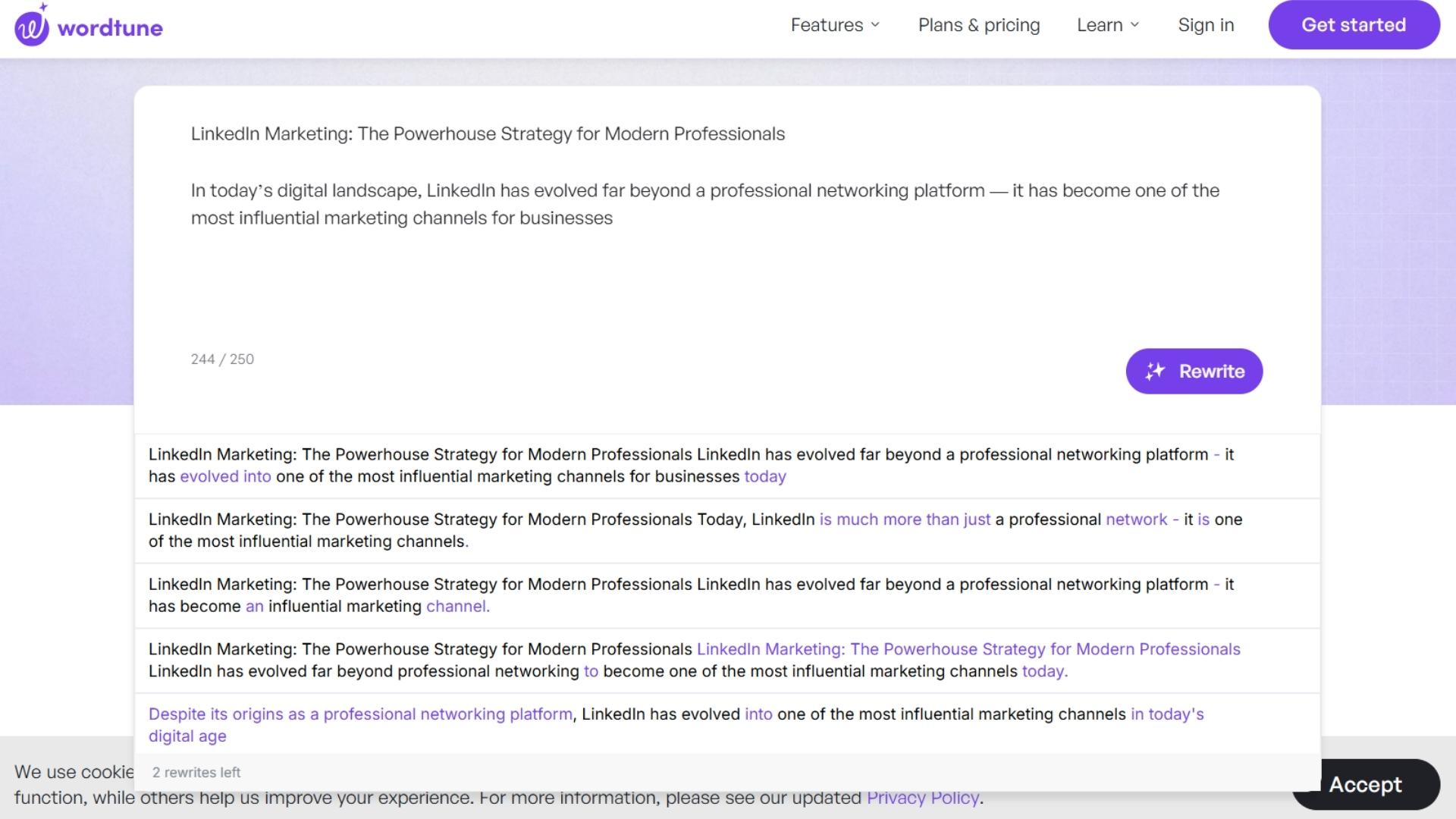
When comparing rewording tool vs reword-generator, you’ll notice both tools share the same type of outputs.
Paste your text, pick a tone or language, and rewrite. No extra options, no time wasted.
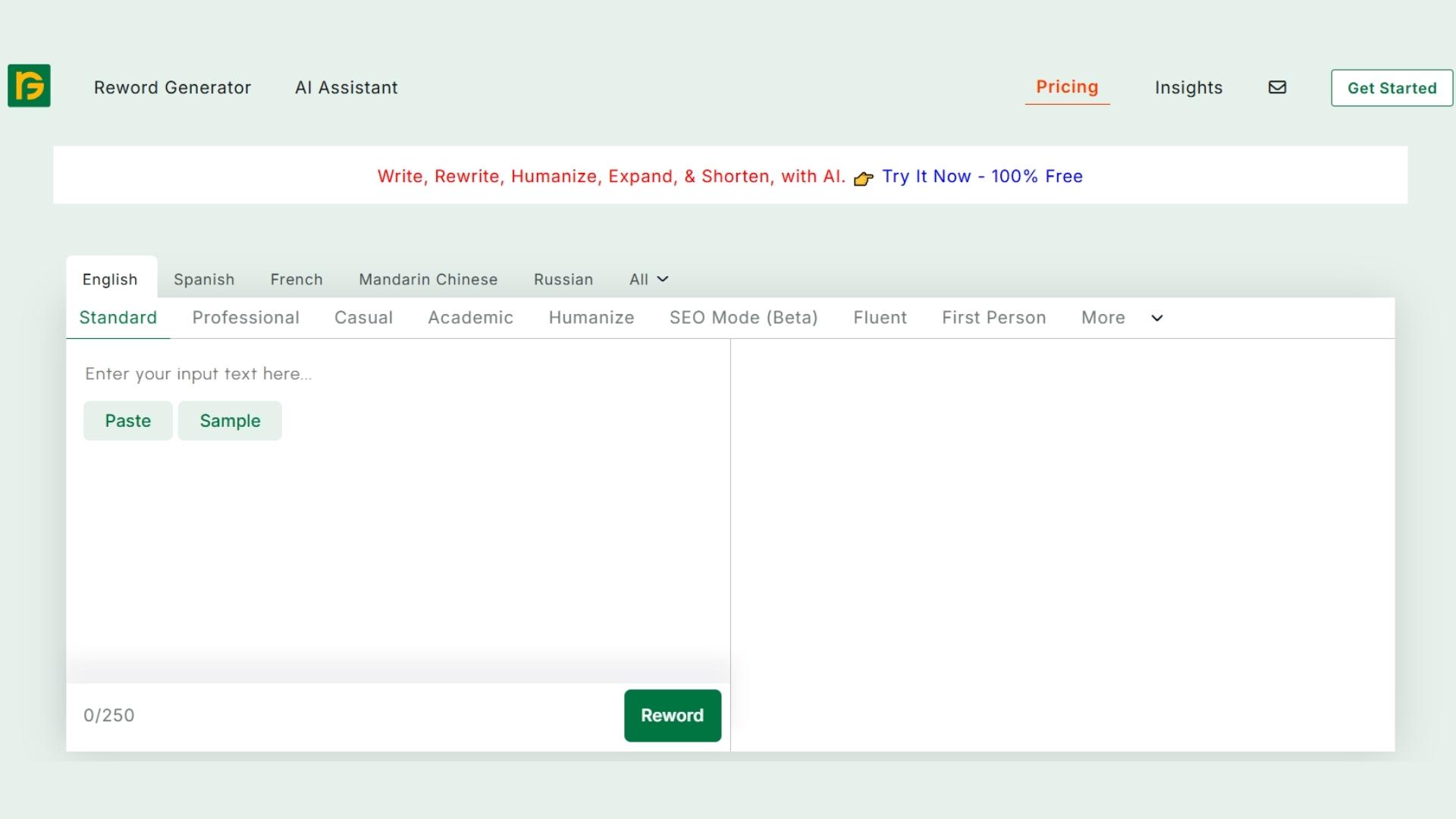
It also offers a wide range of tones and supports multiple languages, just like the rewording tool. This makes it beginner-friendly and fast.
But the main difference is how it rewrites.
Reword generator tends to focus more on replacing words rather than reshaping sentences.

Yes, it uses everyday conversational phrasing, which can make your text sound natural, but not always fully rewritten.
So, it’s good for quick tweaks, but not ideal when you need a deeper transformation. For more detailed rewriting, you need to select the humanized mode or adjust the paragraph length, which helps you get the desired amount of content for yourself.
3. Article Rewriter Tool
If you search rewriter on Google, this is the tool that usually shows up at the top.
And for a reason.
It’s simple, fast, and doesn’t force you to create an account. Just open the site and start rewriting immediately.
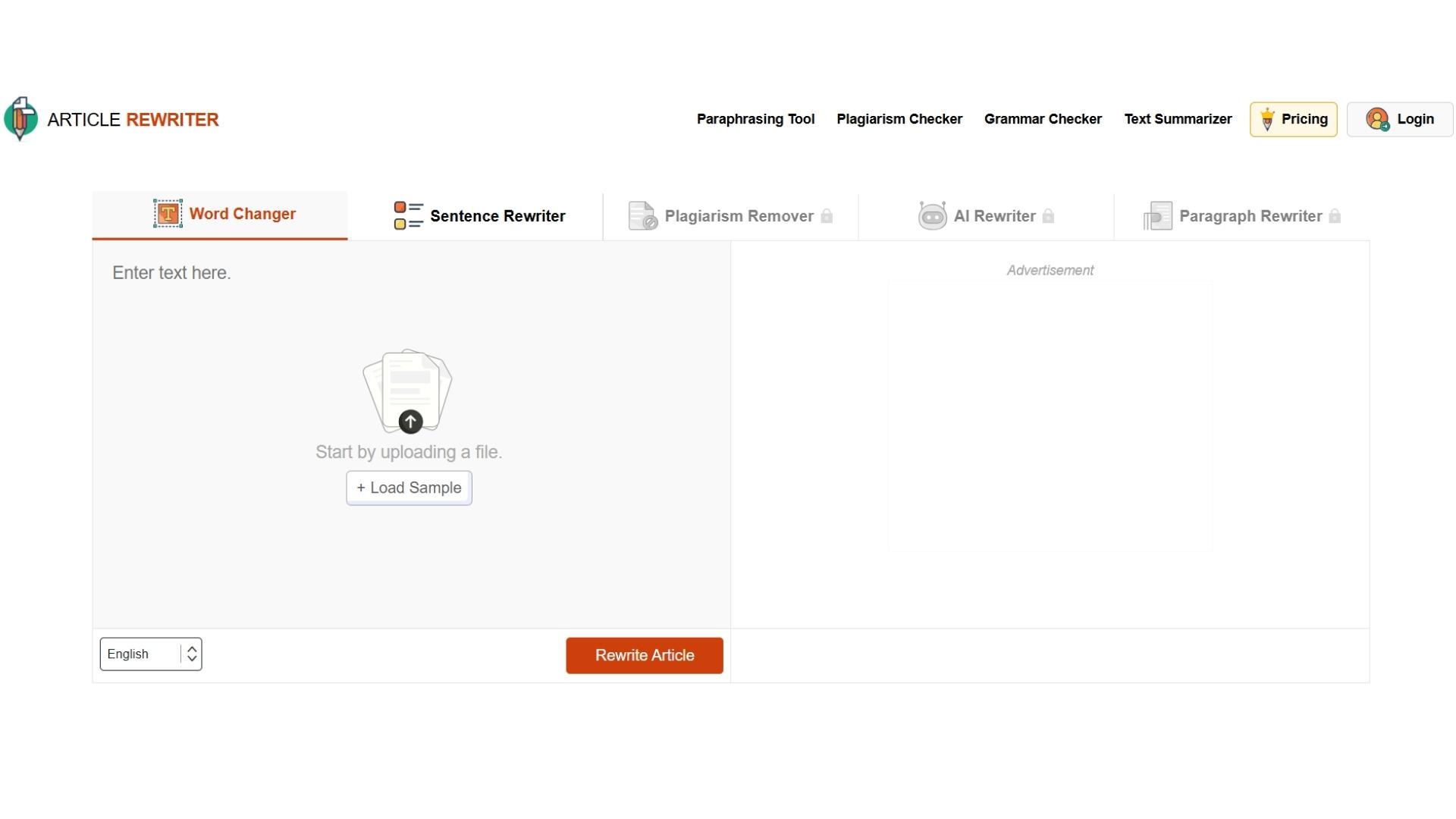
It supports a few languages, but unlike the rewording tool, it doesn’t offer tone control.
So you can rewrite text, but you can’t adjust it to sound more professional, casual, or academic.
The good thing about it is its capacity. It can rewrite up to 1,000 words in one go.
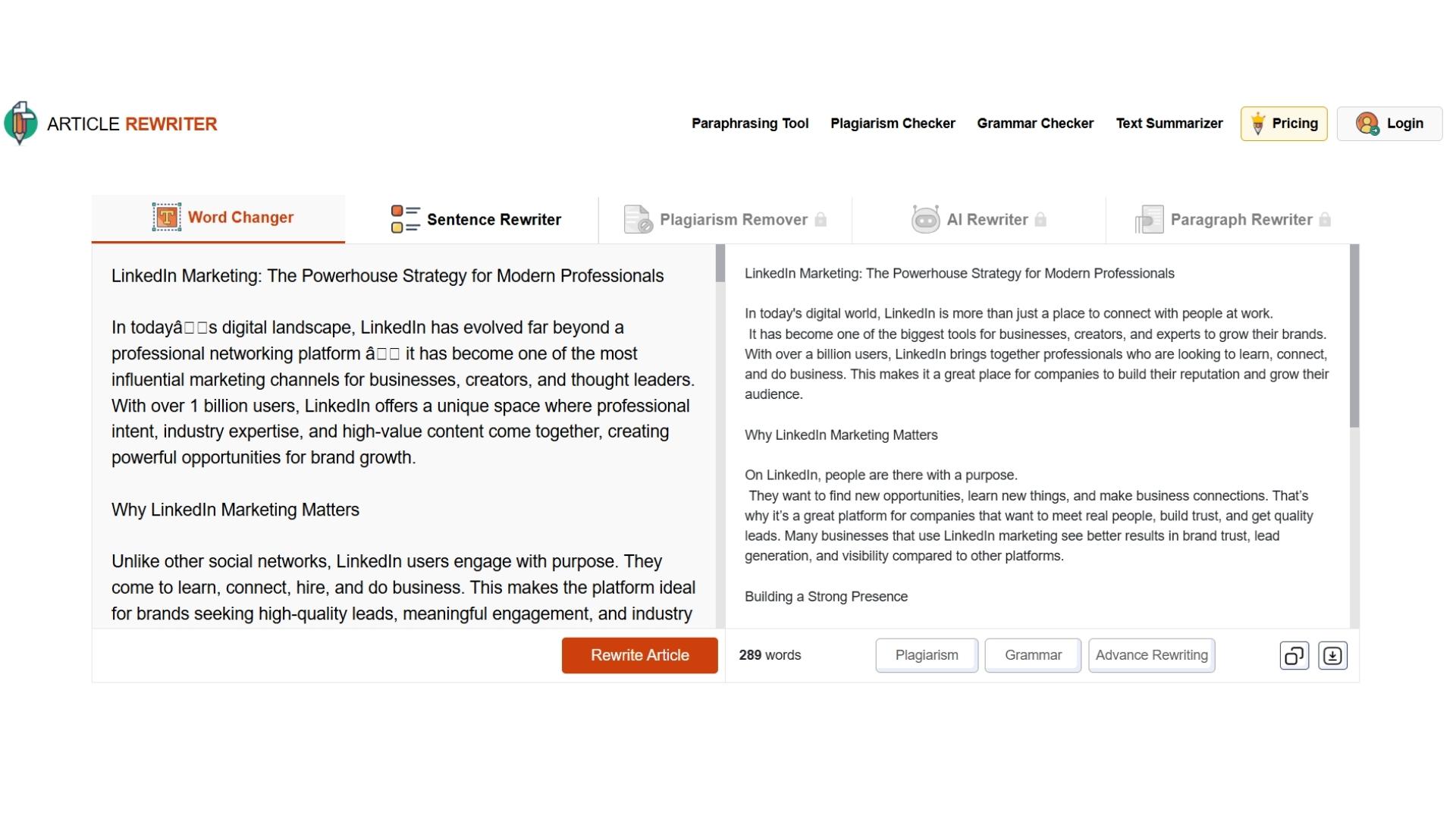
While the rewording tool currently handles only 250 words at a time.
That makes it useful if you often work with long articles and just want a quick, bulk rewrite without customization. Like for removing plagiarism or AI similarity.
4. Rewriter by Surfer SEO
When comparing Surfer SEO vs Rewording Tool, this one definitely sits on the more versatile side. At least in terms of structure.
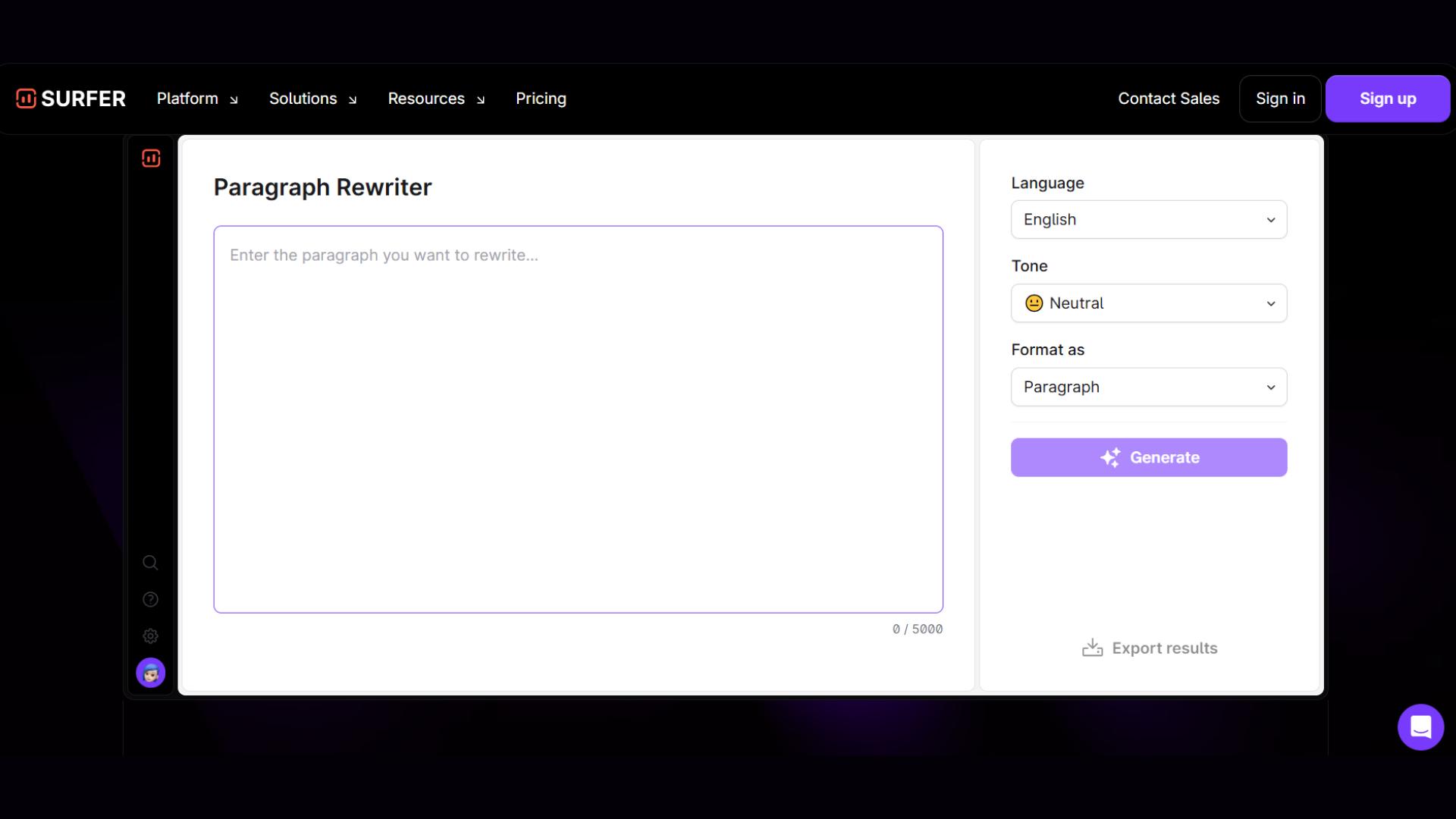
Surfer SEO’s rewriter doesn’t just rewrite paragraphs; it also lets you convert the output into bullet points. Useful for summaries, outlines, or quick briefs.
But its tone flexibility is limited.
You only get 4 tones, which is far fewer than the wide tone range offered by the online rewording tool.
And because Surfer focuses on SEO workflows, the rewrite sometimes leans more “structured” than natural.

However, it’s solid for marketers who want SEO-friendly bullet-point rewrites. But not as flexible when it comes to tone or language variety.
5. QuillBot
When it comes to popularity, nothing beats QuillBot.
With 35+ million users, it’s easily the most widely recognized paraphrasing tool in the world.
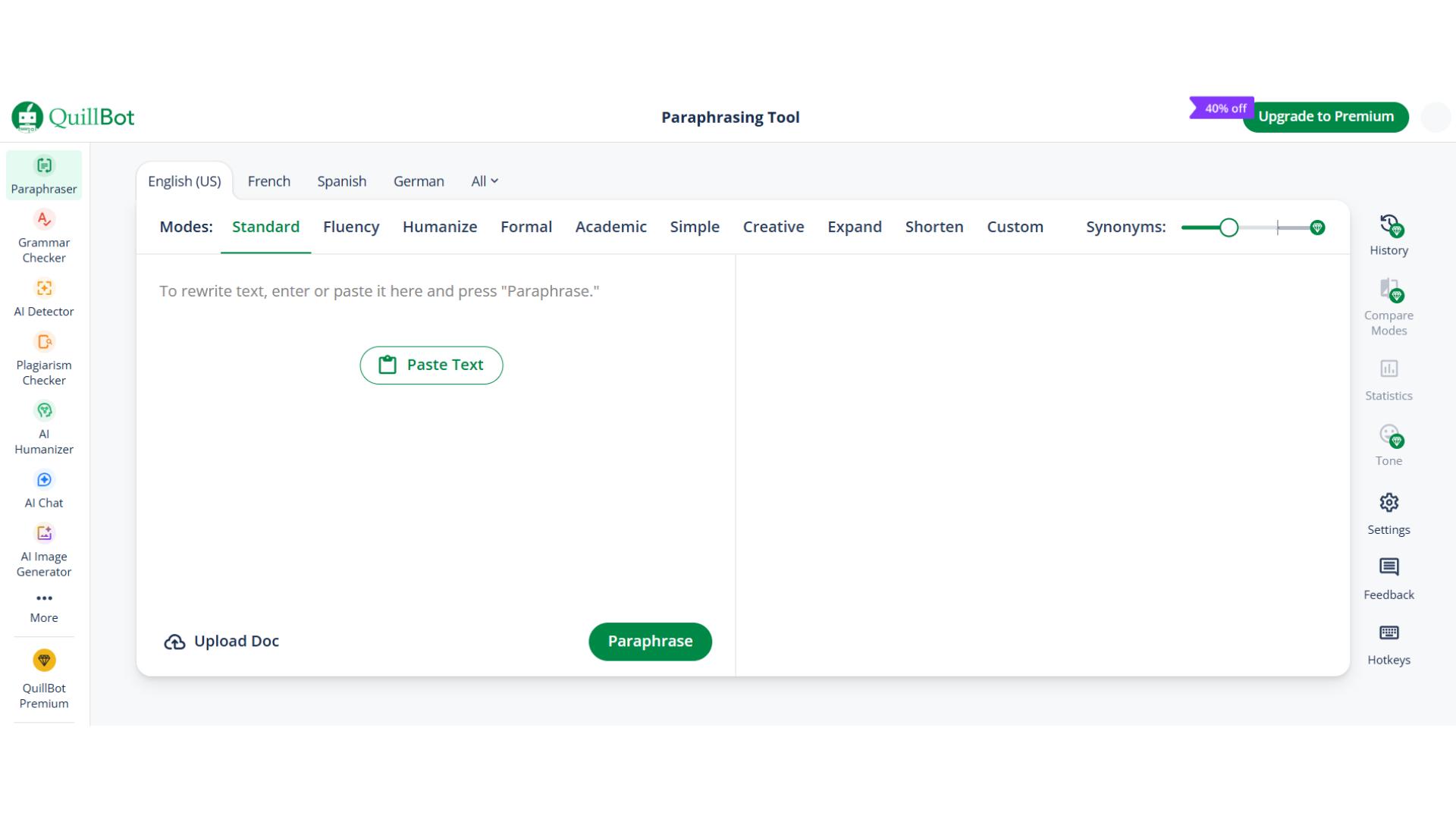
And when you compare the Rewording tool vs QuillBot, the difference comes down to freedom vs limitations.
QuillBot offers plenty of tones and languages. Almost as many as the Rewording tool.
But most of them are locked behind a premium plan.
Free users only get 2 tones, and the rewrite limit is just 125 words at a time. It can feel restrictive if you're handling long-form content.
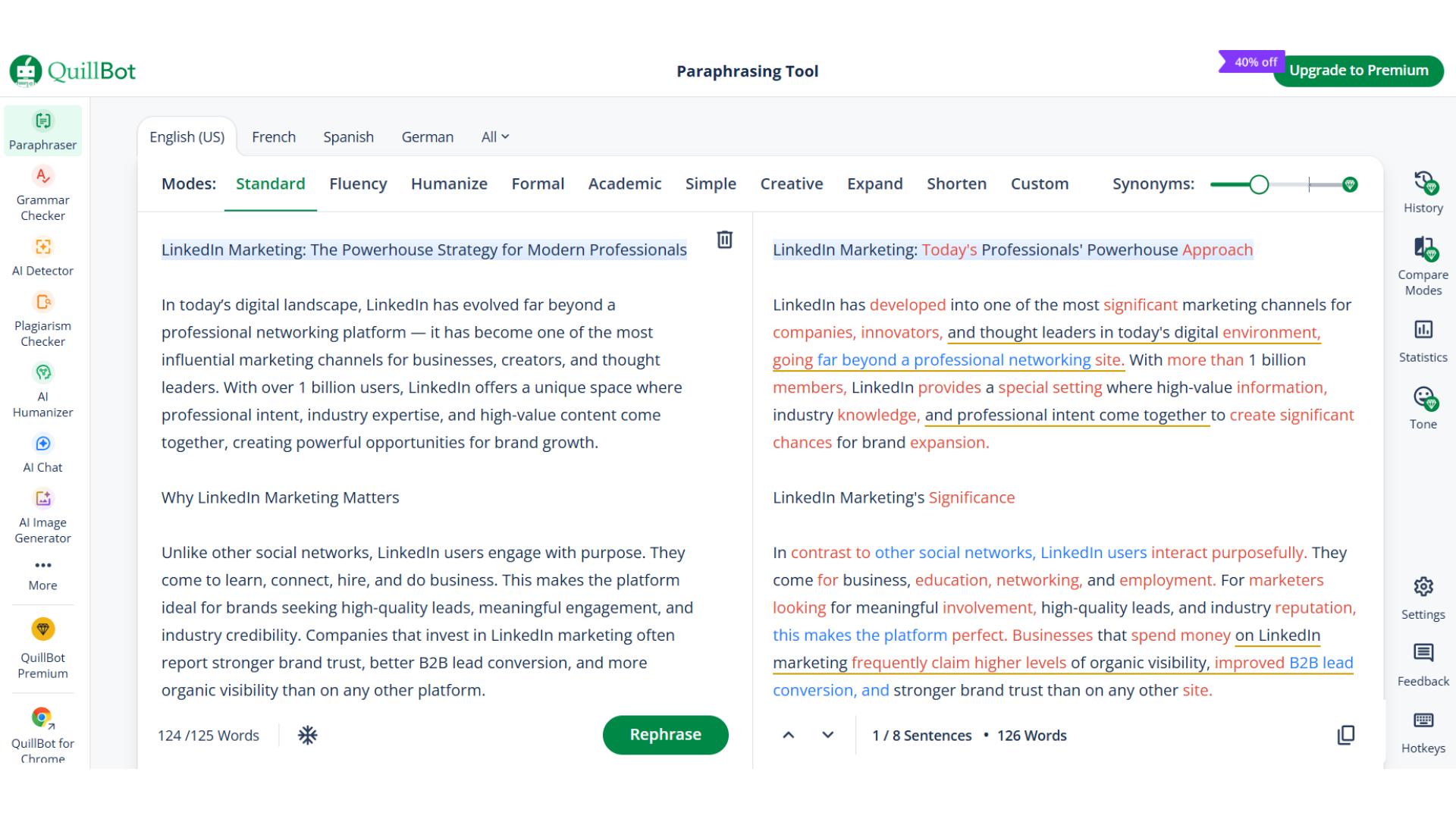
It’s powerful and well-known. But unless you’re paying, you’re not getting the full experience.
6. Single Grain
Single Grain is easily the most versatile tool on this list so far.
Unlike most rewriters that give you a fixed set of modes, this one lets you fine-tune almost every part of the rewrite.
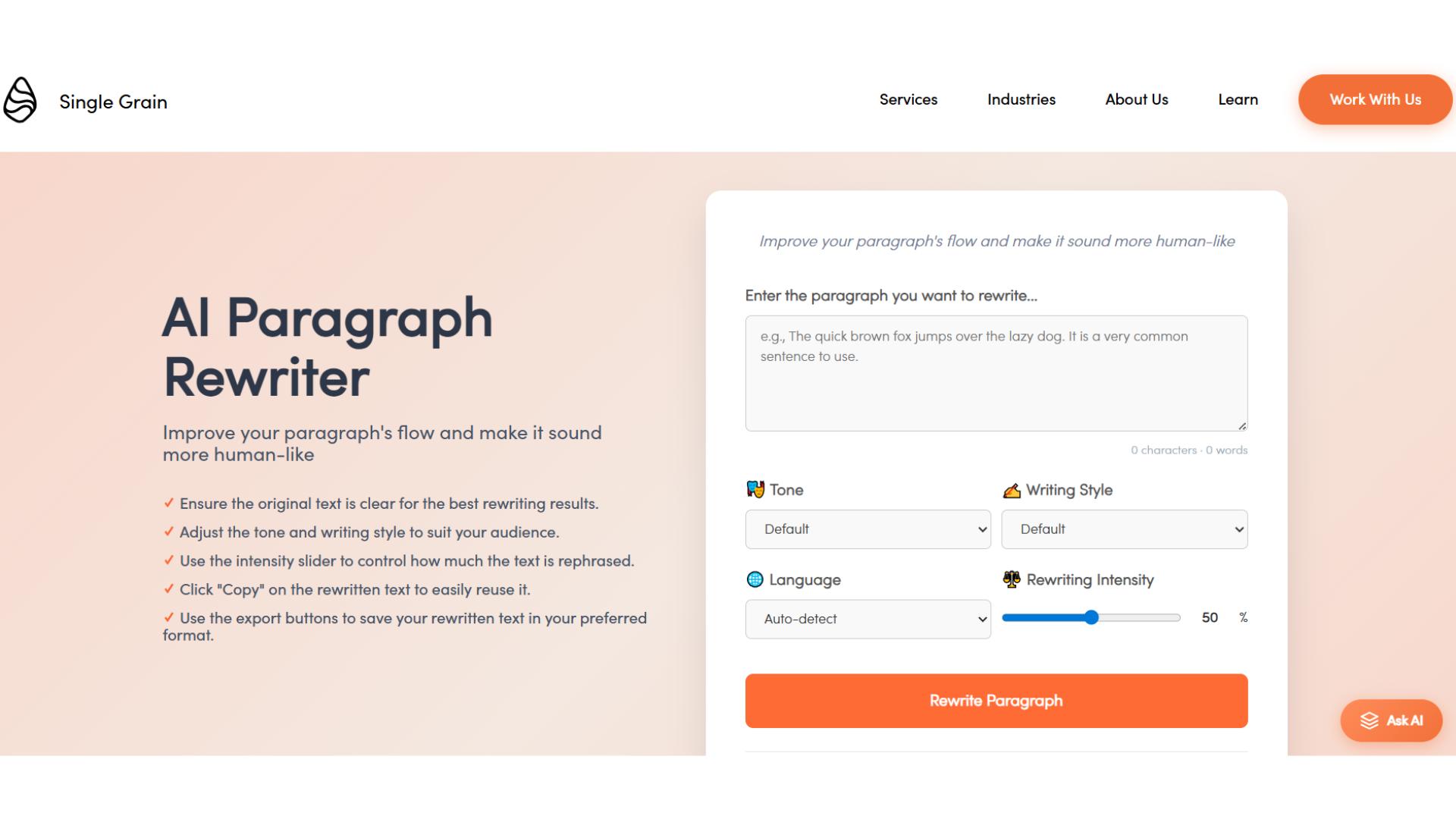
You can choose the tone, the writing style, and the language.
It can even auto-detect the original language without you selecting anything.
But the standout feature is its rewriting intensity control. That even the rewording tool does not offer.
You can decide how heavily you want the text to be rewritten, light, medium, or detailed.
So you stay in control of how much the structure and vocabulary change.
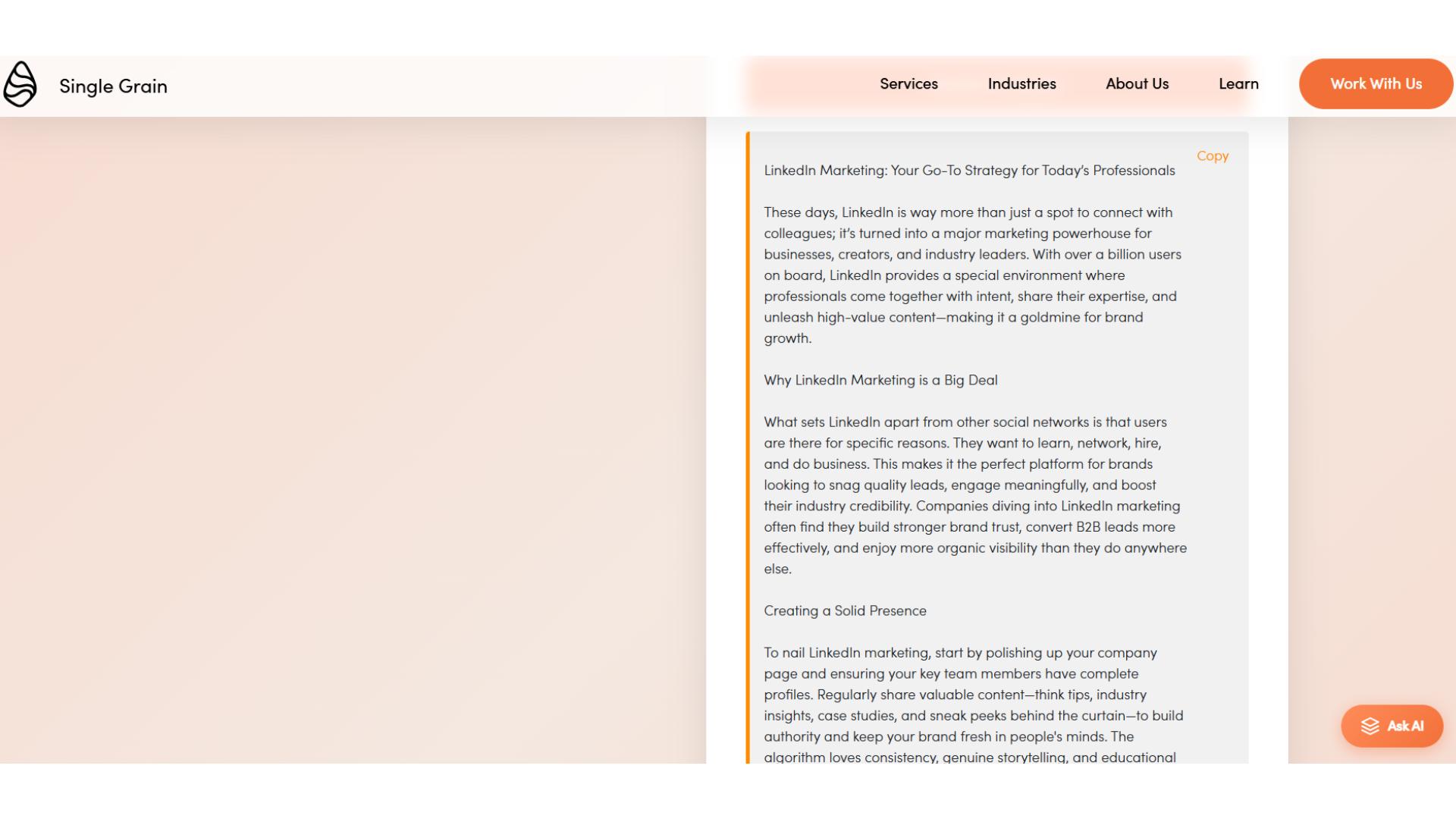
This level of customization gives it an edge for writers who want precision, not just automation.
7. Ahrefs AI Sentence Rewriter
Ahrefs is one of the biggest names in SEO.
So naturally, their AI rewriter comes packed with advanced features.
You get multiple tones, customizable tone settings, and support for several languages.
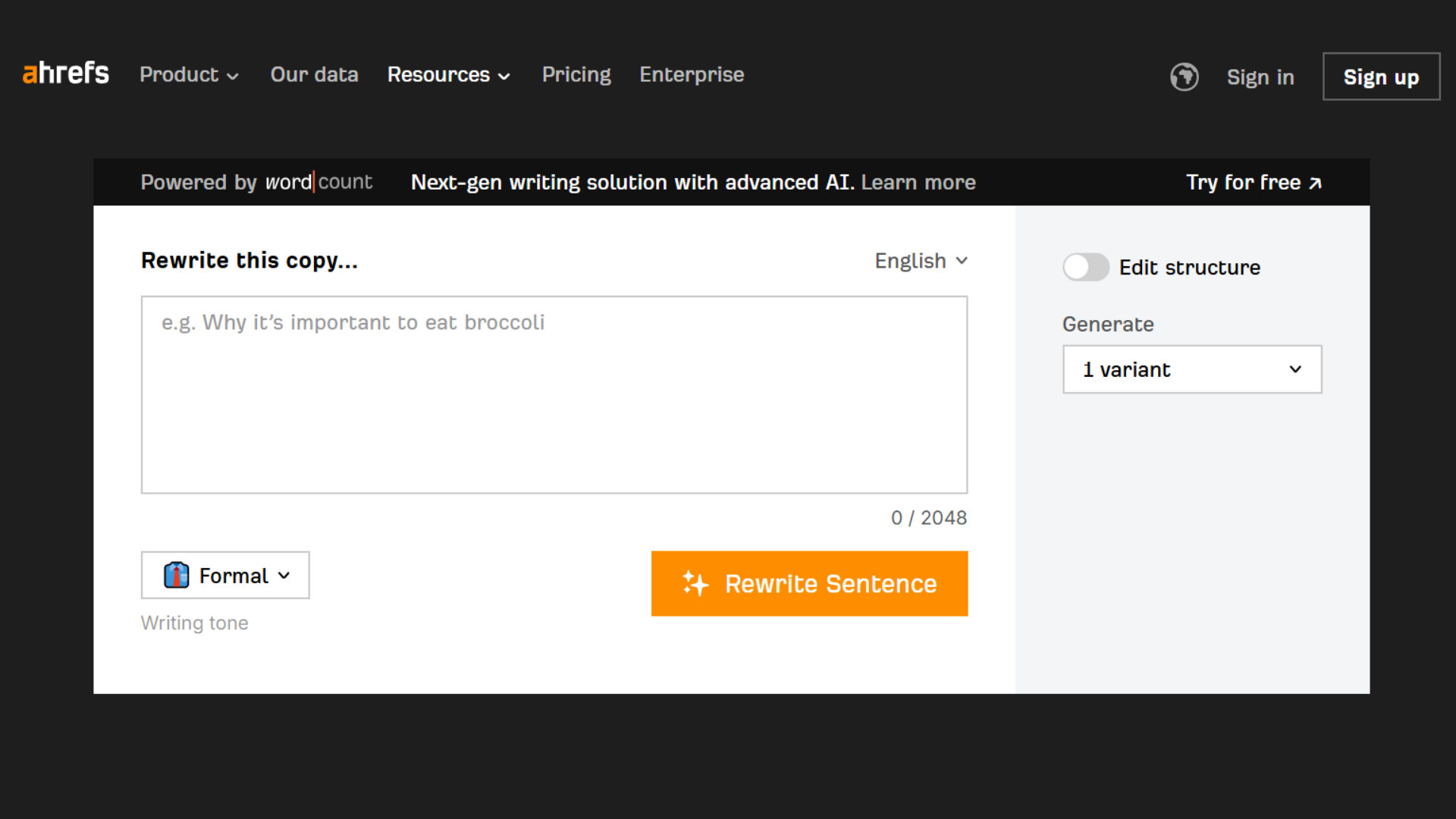
It even lets you generate up to 5 rewrite variations at once, which is great when you need options fast.
But here’s where the Ahrefs vs Rewording comparison gets interesting. Ahrefs is versatile, yes, but the output can feel a bit off in natural writing style.
This AI rewording tool, we know, focuses strictly on human-style writing patterns. Also with the cleaner readability and simpler UI.
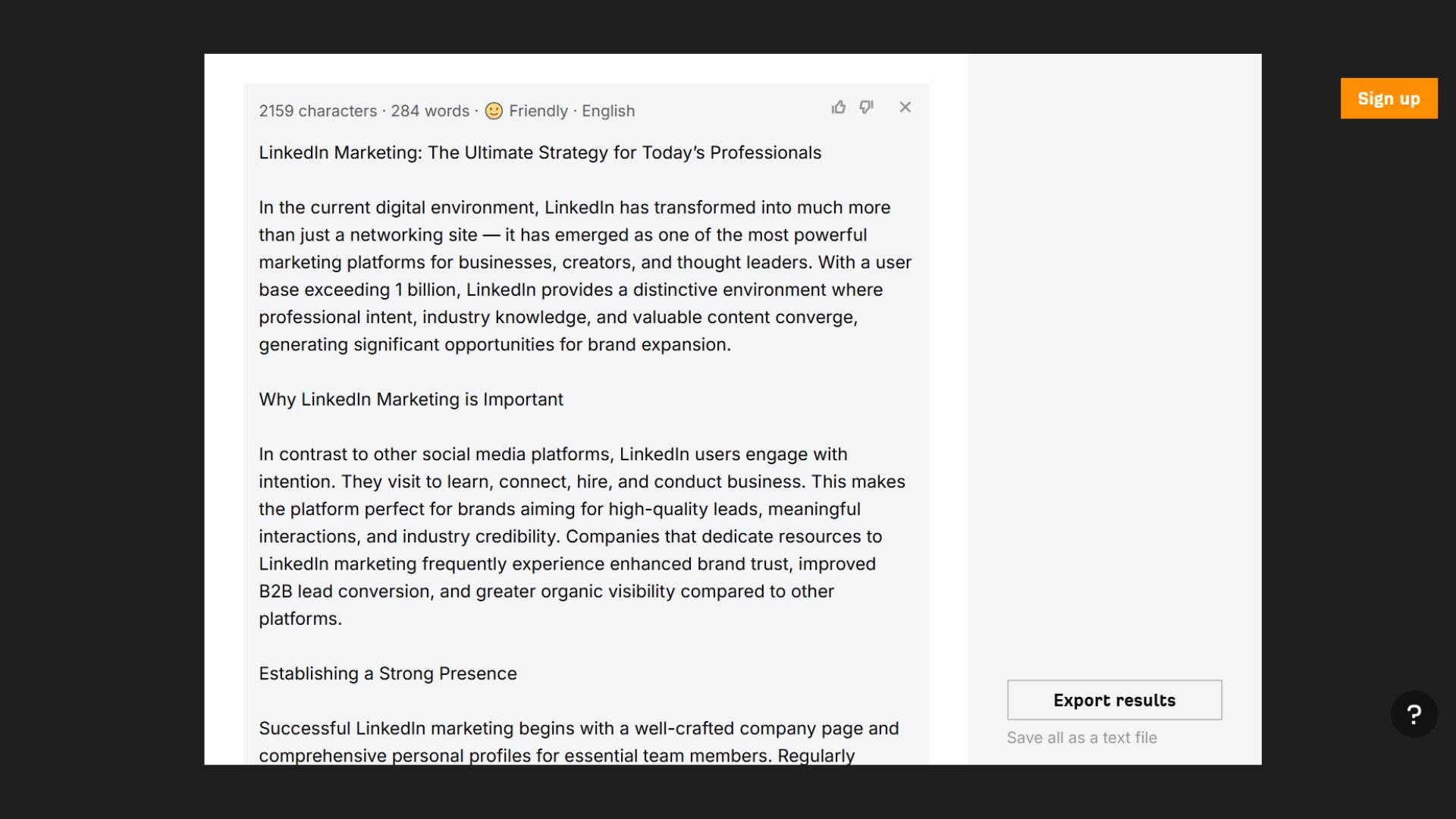
So while Ahrefs gives you more options to choose from, rewording still wins for everyday users.
8. AI Paragraph Rewriter by Small SEO Tools
The AI paragraph rewriter by Small SEO Tools stands out for letting you paste text directly, upload files, or even use a link. The first among online rewriters in our list.
It can handle up to 2,000 words at a time, making it convenient for long articles or reports.
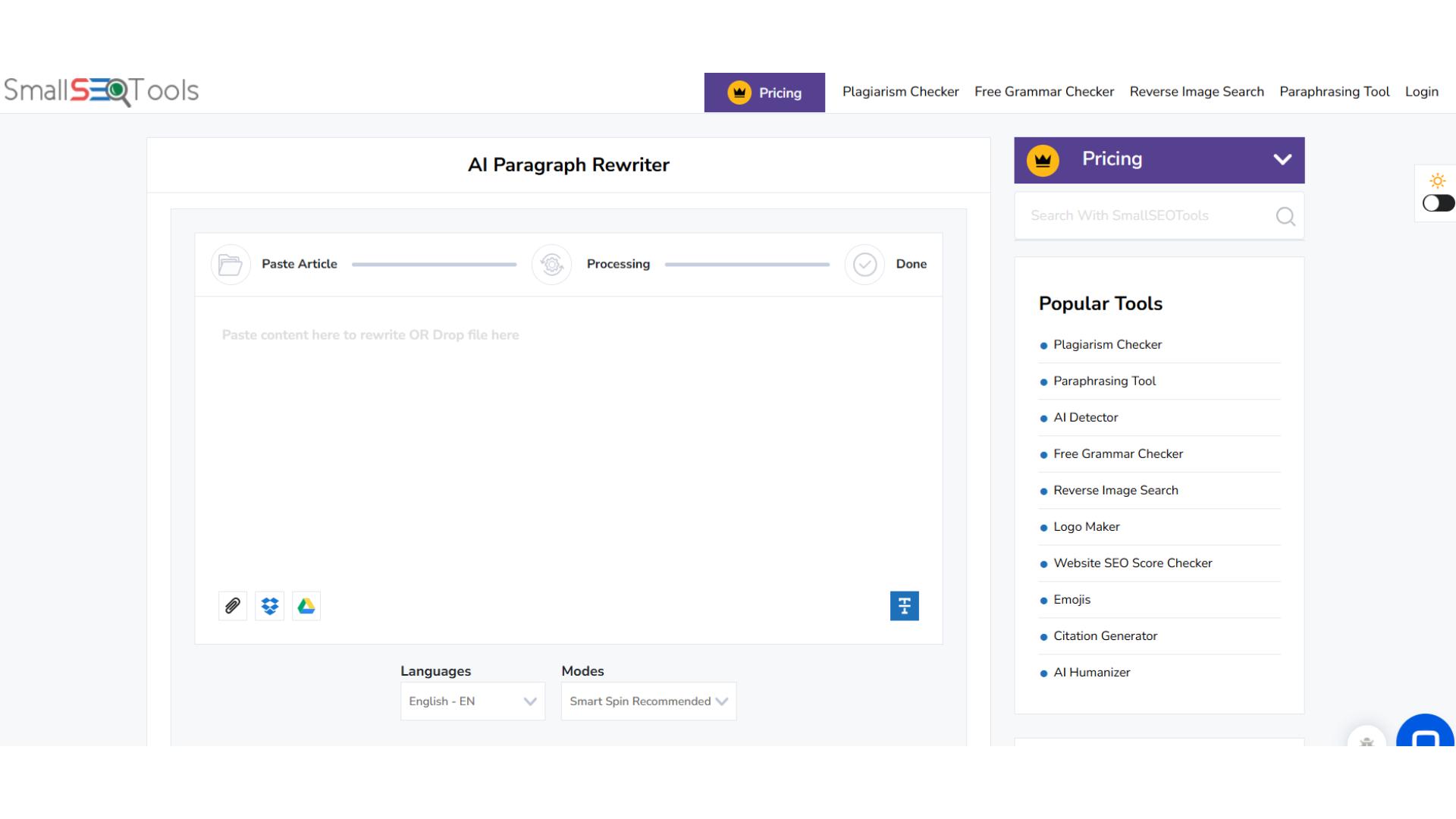
It offers multiple rewriting modes to control intensity, from light tweaks to detailed changes.
However, only the default mode is free, which limits flexibility for users without a subscription.
It would have been better if it offered some tones like the reword generator offers.
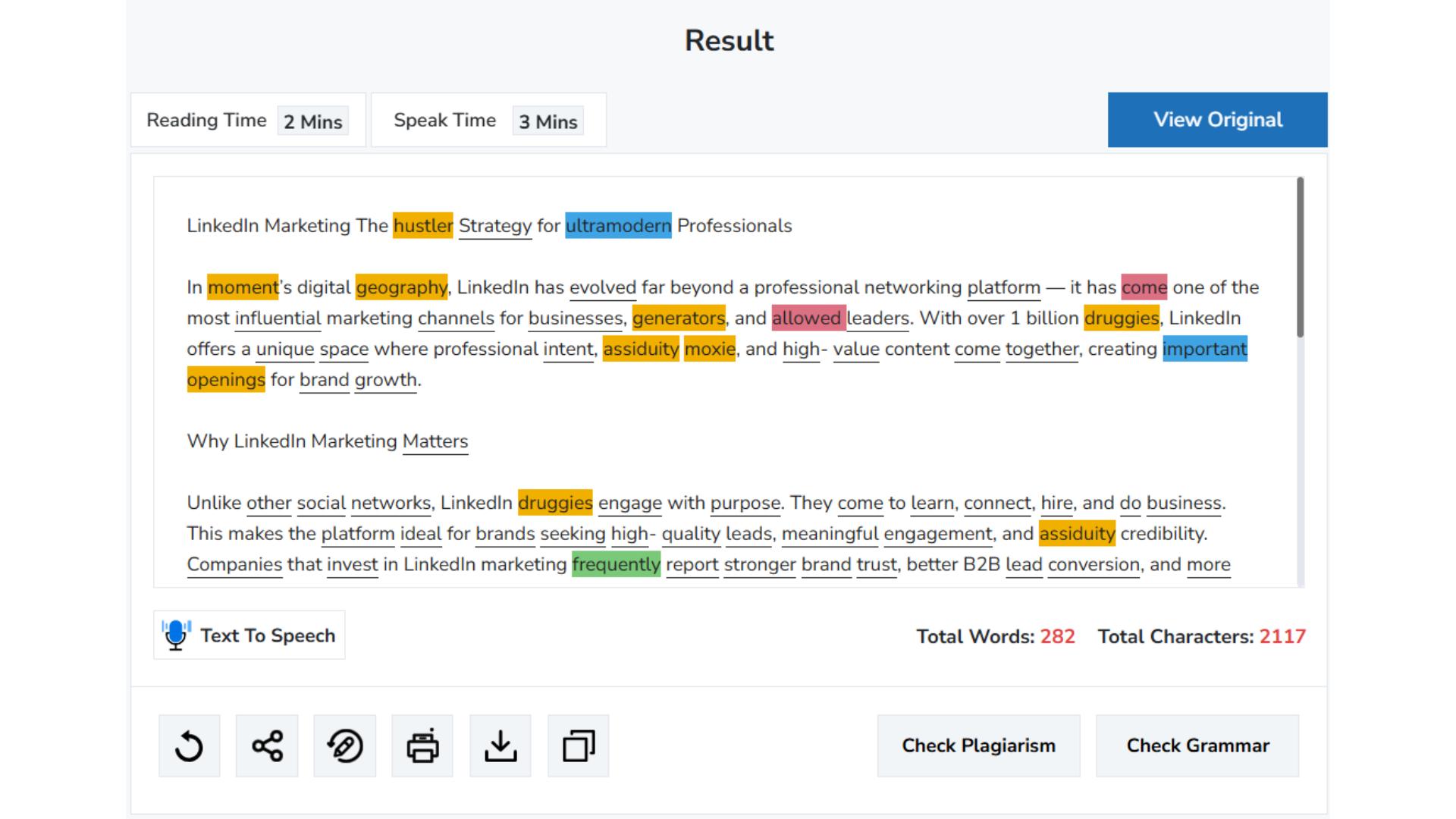
Because now it lacks the human-like customization that makes restating text so versatile.
9. Undetectable AI
Undetectable AI is known for mimicking human writing styles, much like the rewording tool.
This makes it ideal for creating human-like content.
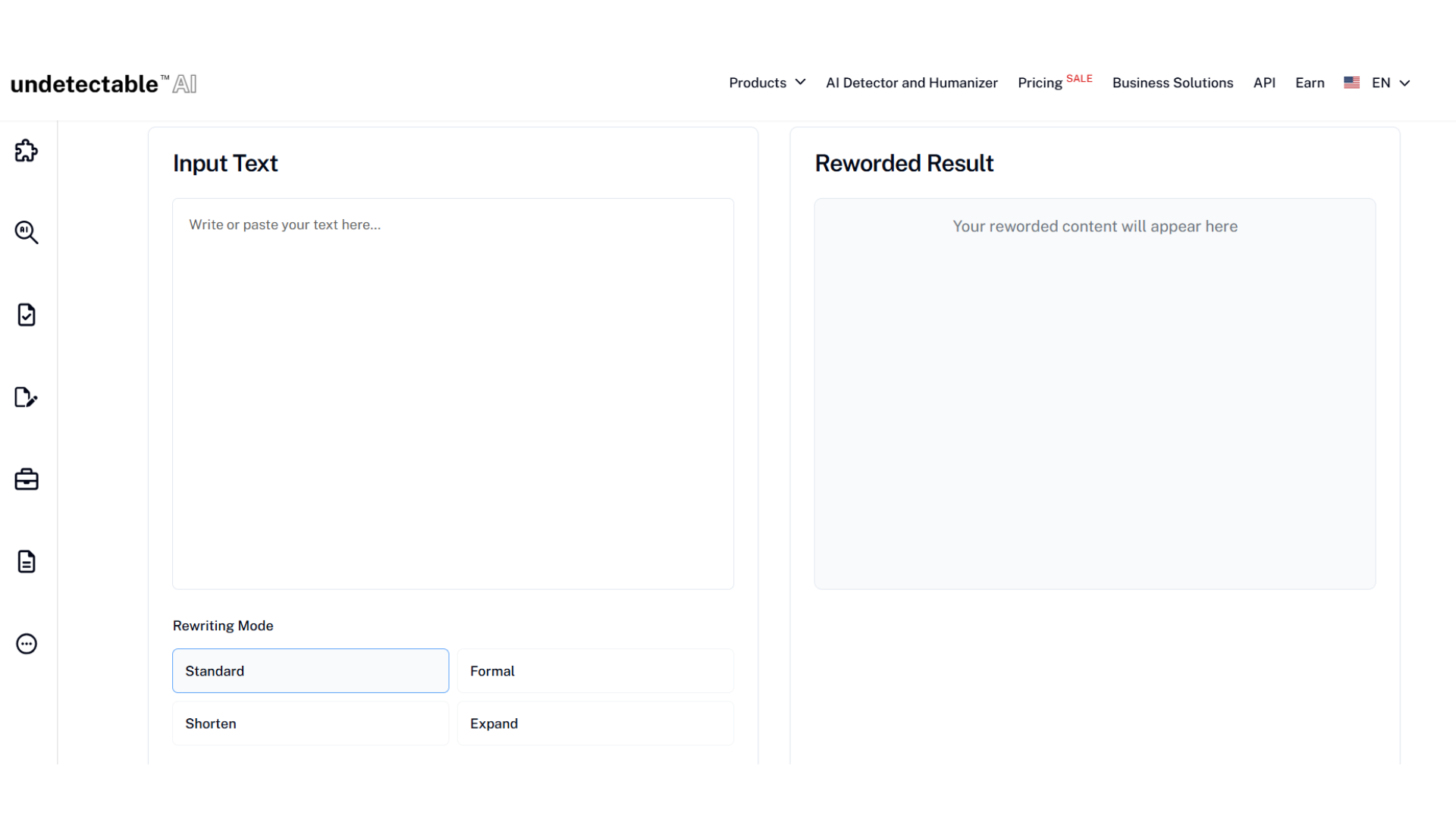
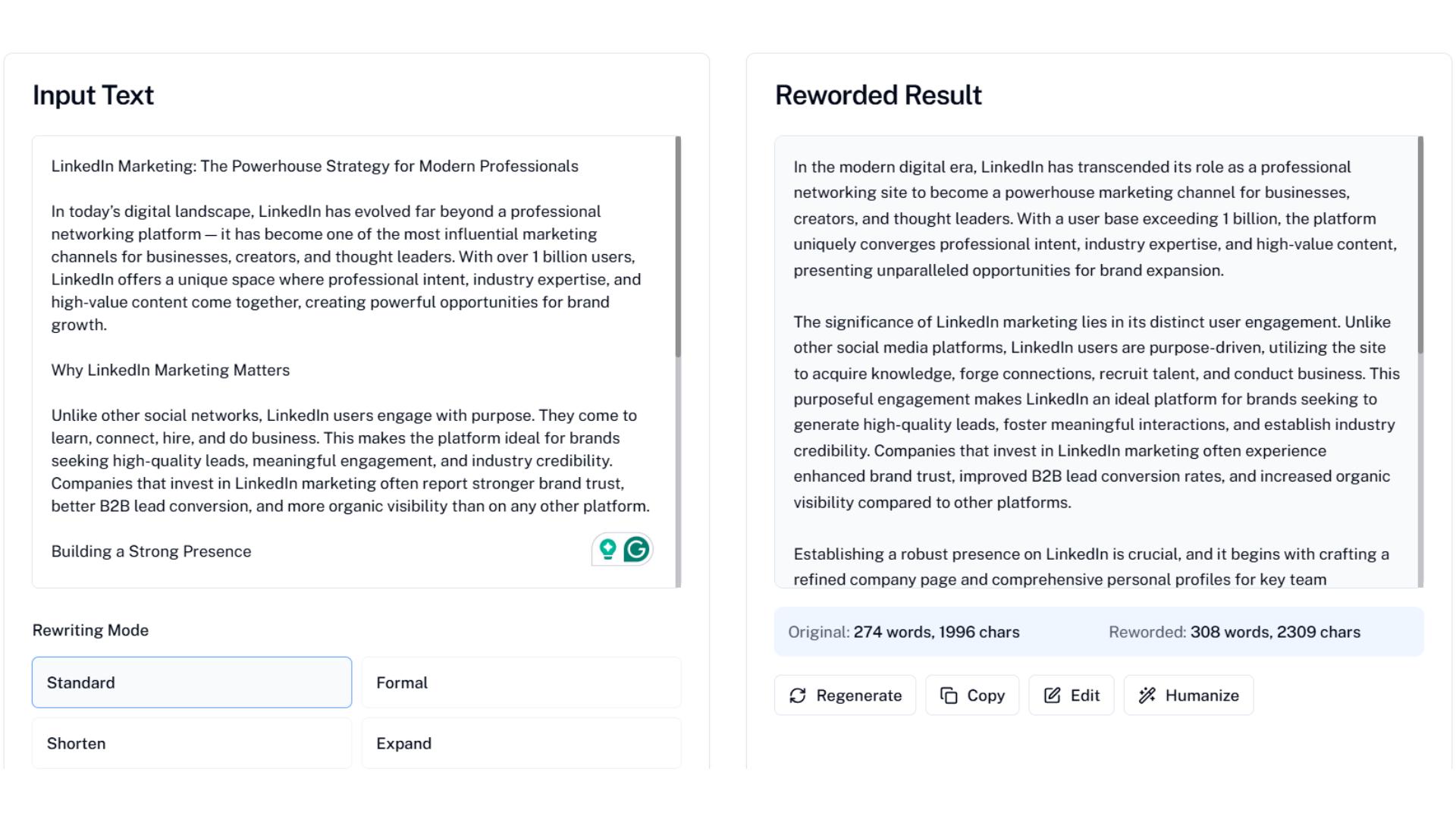
When comparing rewording vs undetectable AI, the key difference is that Undetectable AI focuses primarily on humanizing text. Its rewriting is limited to a formal tone.
This makes it more suitable for professional or academic writing. But less flexible for casual or marketing content.
Additionally, it offers useful features like expanding or shortening your content.
So you can adjust the length without losing clarity.
10. Scribbr’s Paraphrasing Tool
Scribbr’s paraphrasing tool is another popular choice for rewriting purposes. It appears on the first SERP when you search “rewriter” on Google.
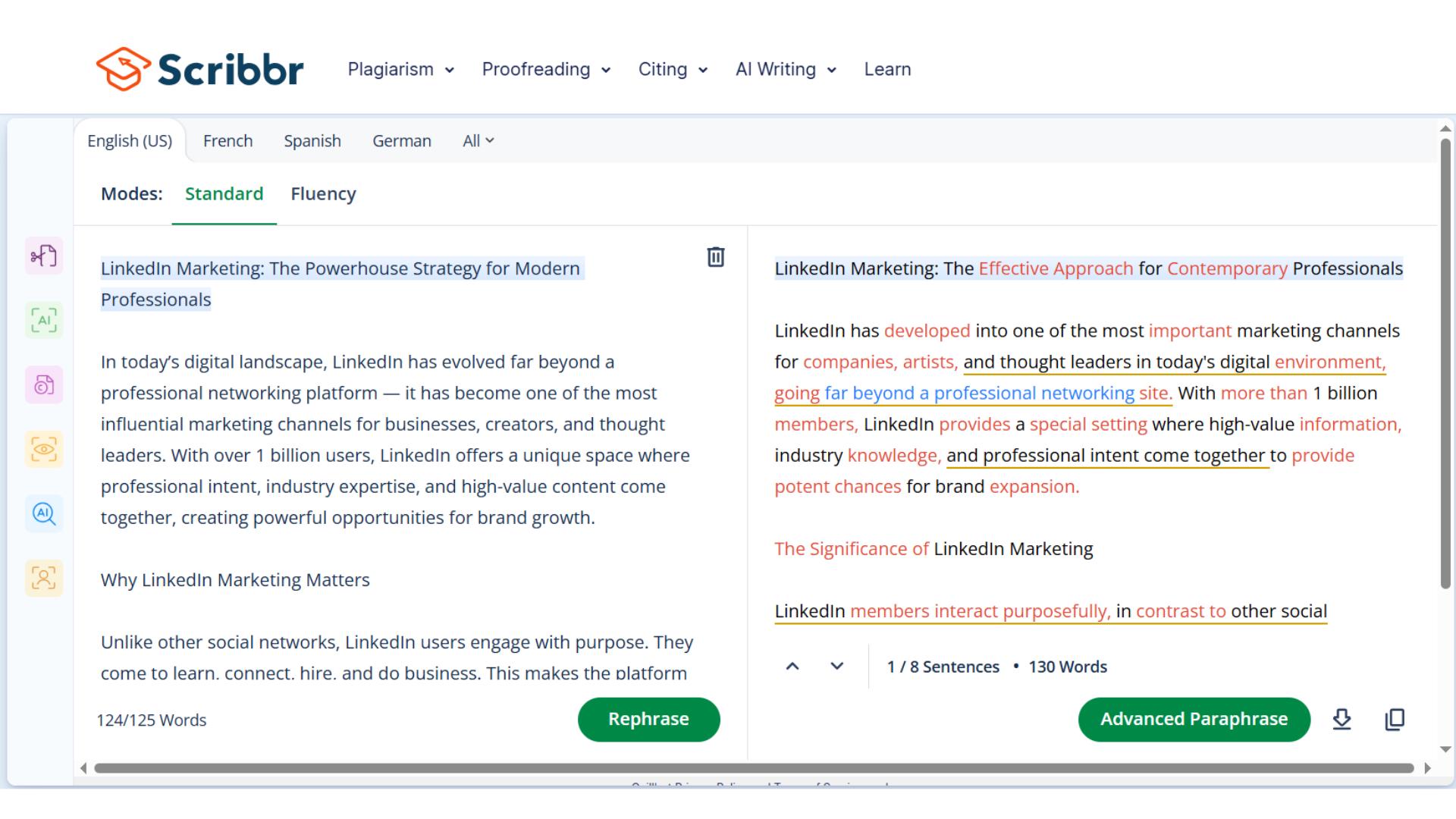
Comparing rewording vs Scribbr, the main differences become clear. While it allows file uploads, it can handle only 125 words at a time, which is quite low.
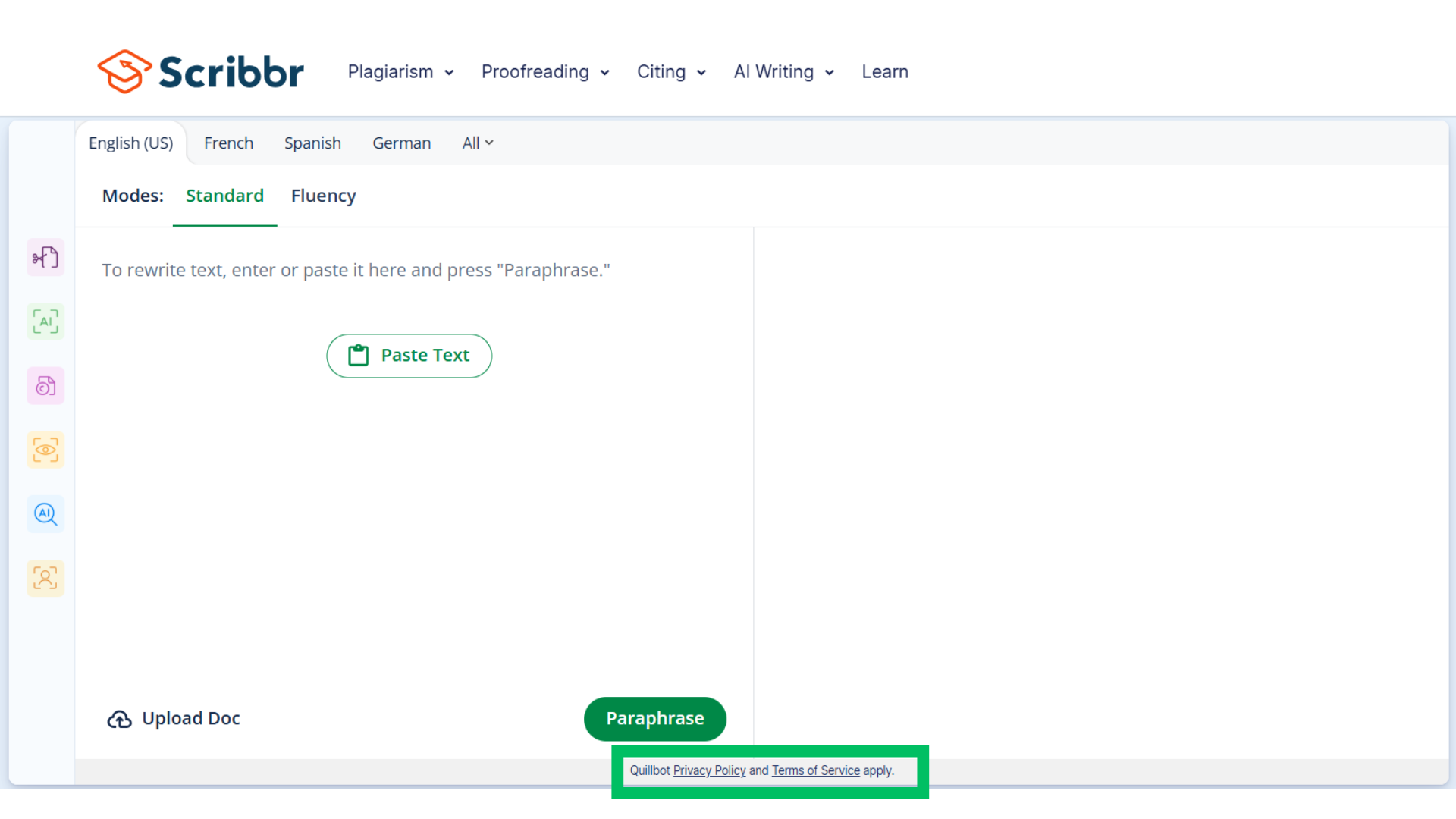
In terms of tone, Scribbr offers only fluency mode, just like QuillBot.
So you don’t get the flexibility of multiple tones like the rewording tool.
It supports many languages, covering almost all major ones.
Interestingly, it’s actually powered by QuillBot’s API (noted in their privacy policy). So the rewriting results are very similar to QuillBot itself.
11. Grammarly
Grammarly is globally recognized, not for rewriting, but as the most popular grammar checker.
With over 40 million paid users.
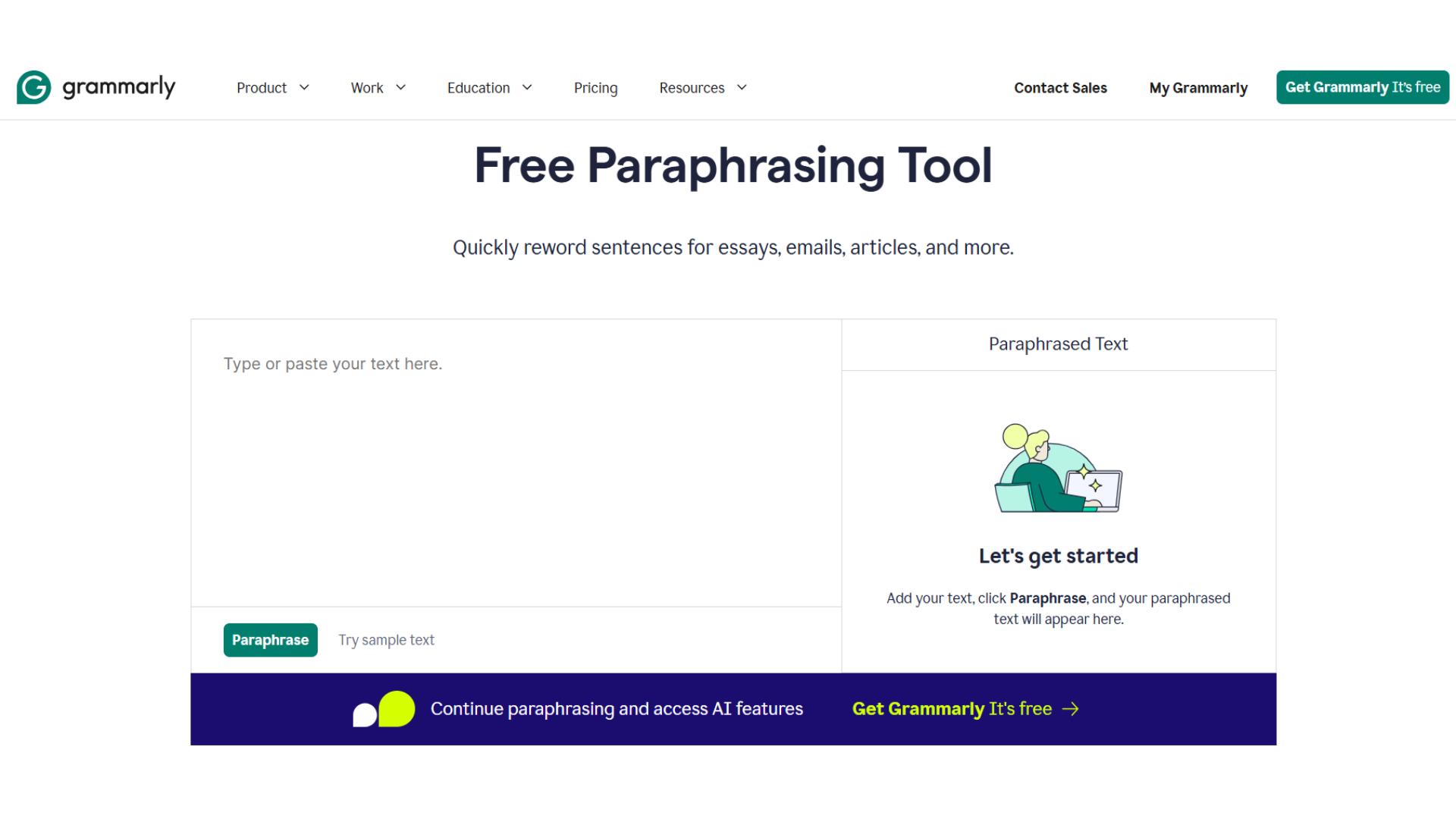
Recently, they added a paraphrasing feature as well.
But when we compare Grammarly vs Rewording tool, it does not stand out.
The Grammarly rewriter is not at all versatile. You simply paste your text and click to rewrite.
There are no tones, languages, or advanced options.
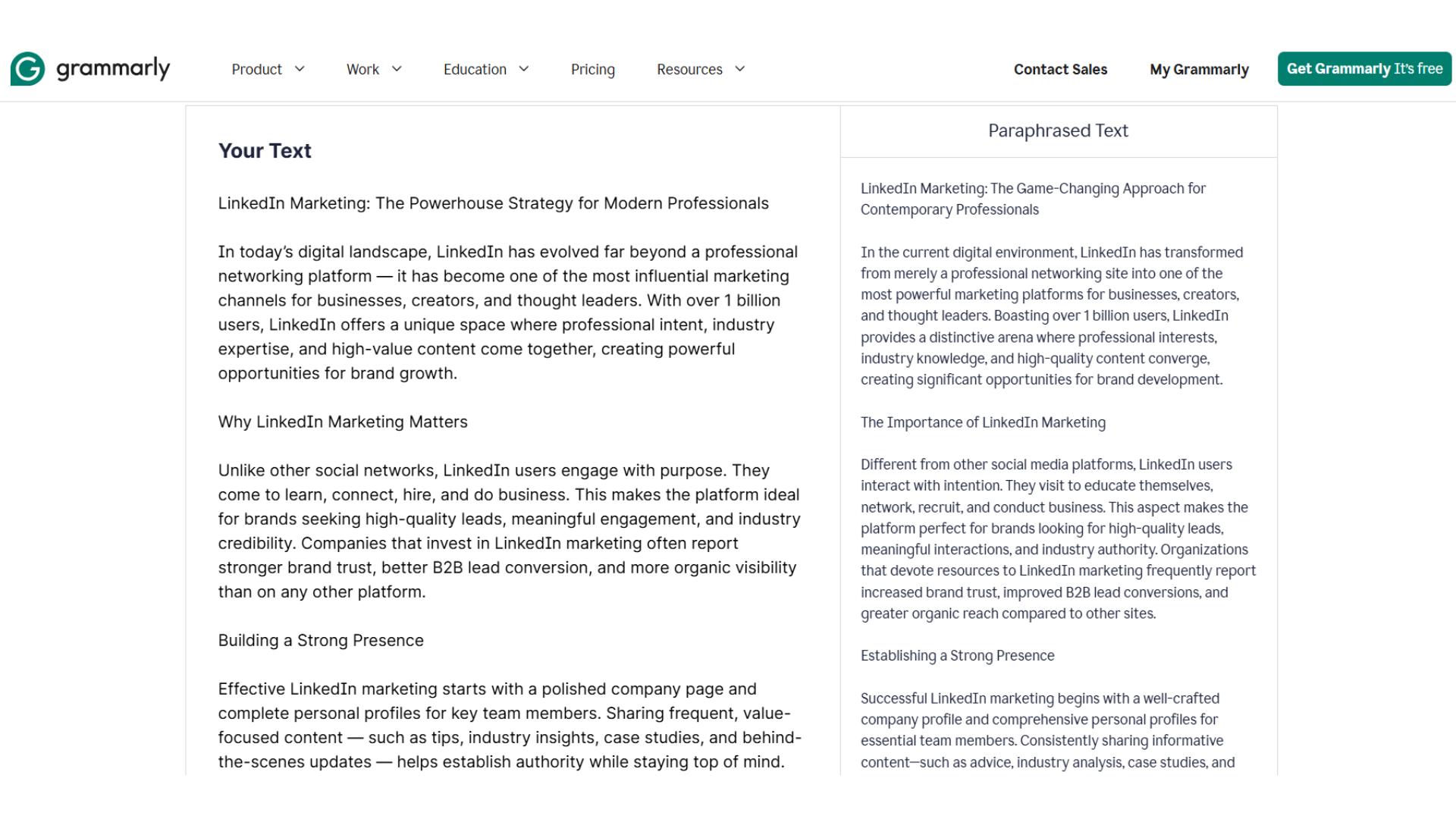
It’s fine for quick fixes, but lacks the flexibility that the rewording tool offers for multi-tone, multi-language, or platform-specific rewrites.
12. Article Rewriter by RewriteGuru
RewriteGuru looks simple and promising at first glance.
But in practice, it falls short.
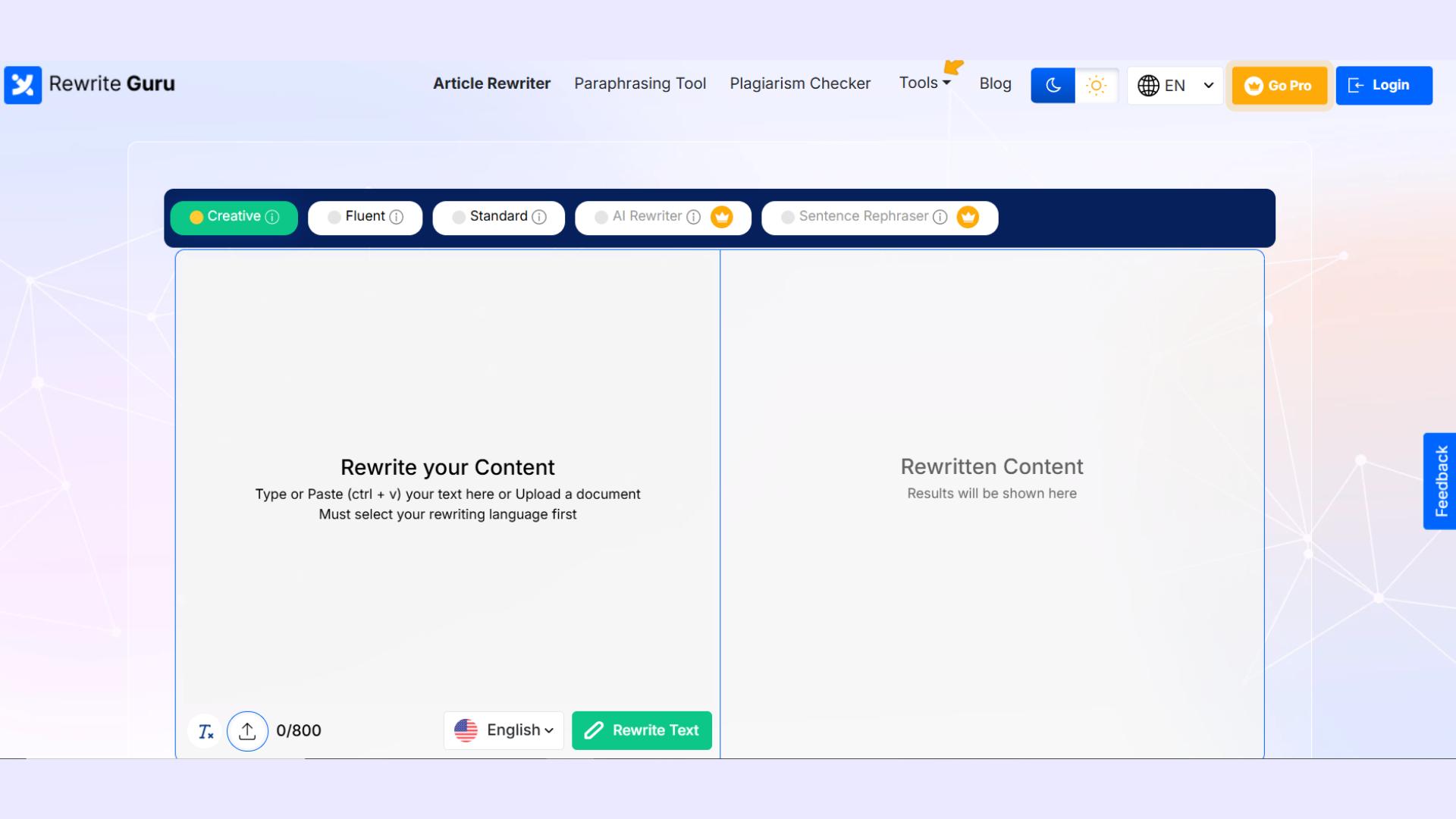
While it appears to offer multiple options, the reality is different.
There are 5 rewriting modes, but 2 of them require a paid subscription.
Then ironically, it’s called Article Rewriter, yet the maximum text limit is just 800 words. That’s barely enough for a standard article, and insufficient for longer content.
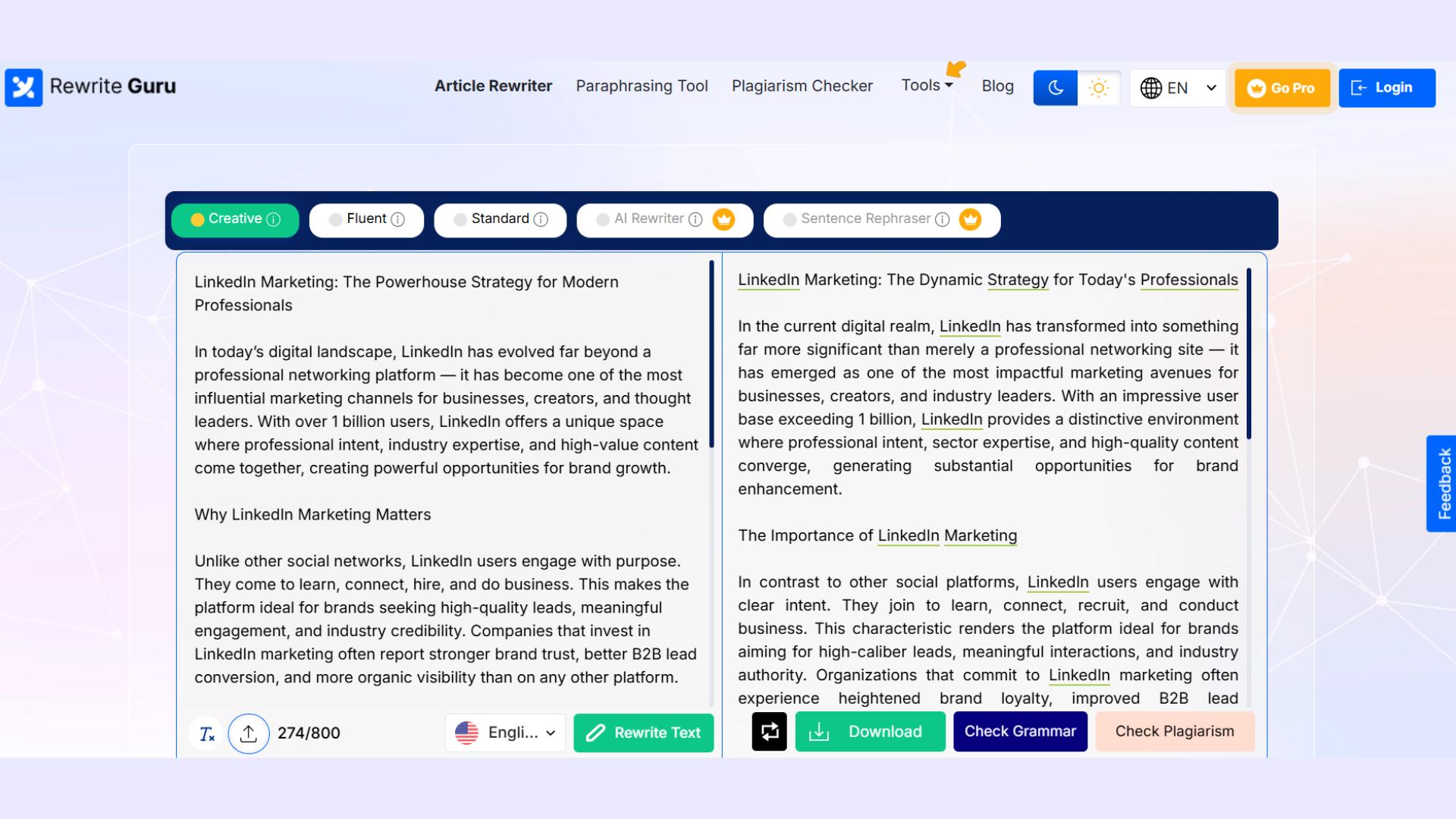
So, while usable for short rewrites, it’s not ideal for full-length blog posts.
13. Text Rewriter of Paper Digest
The Text Rewriter by Paper Digest appears on the first SERP, to my surprise.
Even though it feels like a tool from the early days of the internet. Its interface is extremely basic.
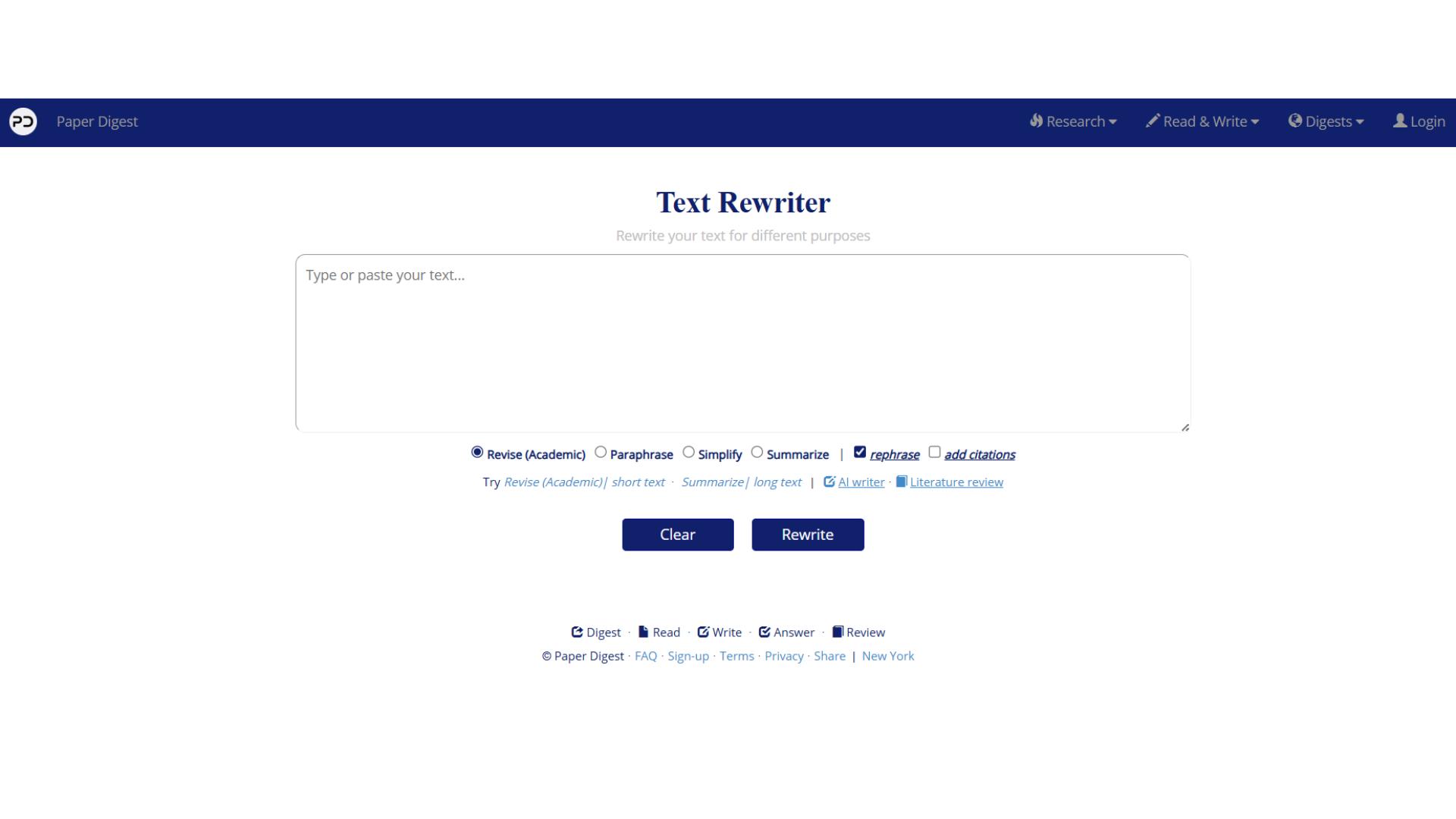
Just paste your text in the box and click rewrite. No flashy features.
However, it does have some unique features that set it apart from the other tools we’ve discussed. Not even in the rewording tool.
You can simplify complex text, summarize long passages, and even add citations automatically.
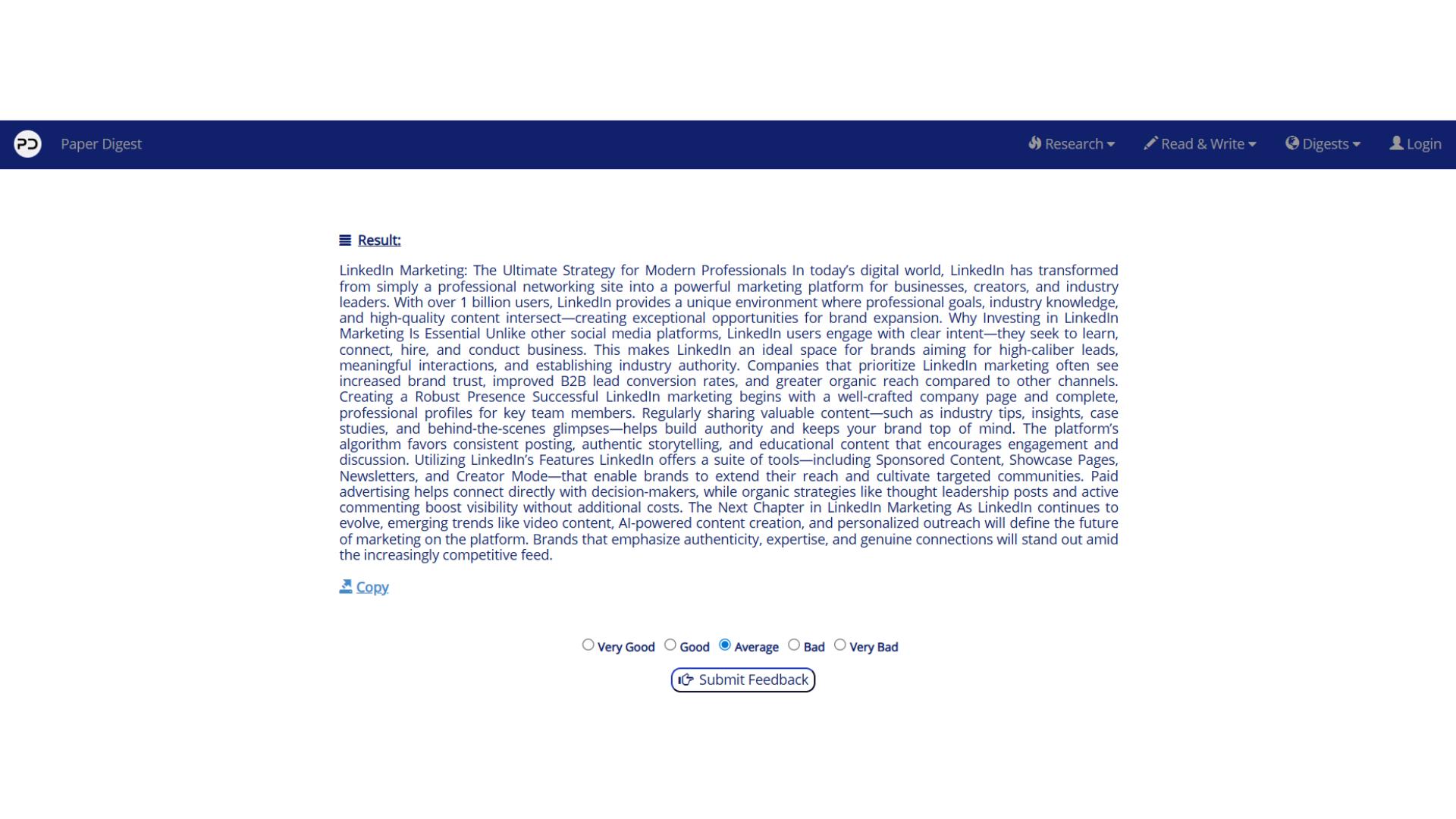
These capabilities make it a handy tool for academic or research-focused users.
14. Ryan Robinson
Ryan Robinson’s tool is one of the more versatile rewriters I’ve come across.
What I really like is its collection of writing styles.
It’s so extensive that I want to add it to the rewording tool as well.
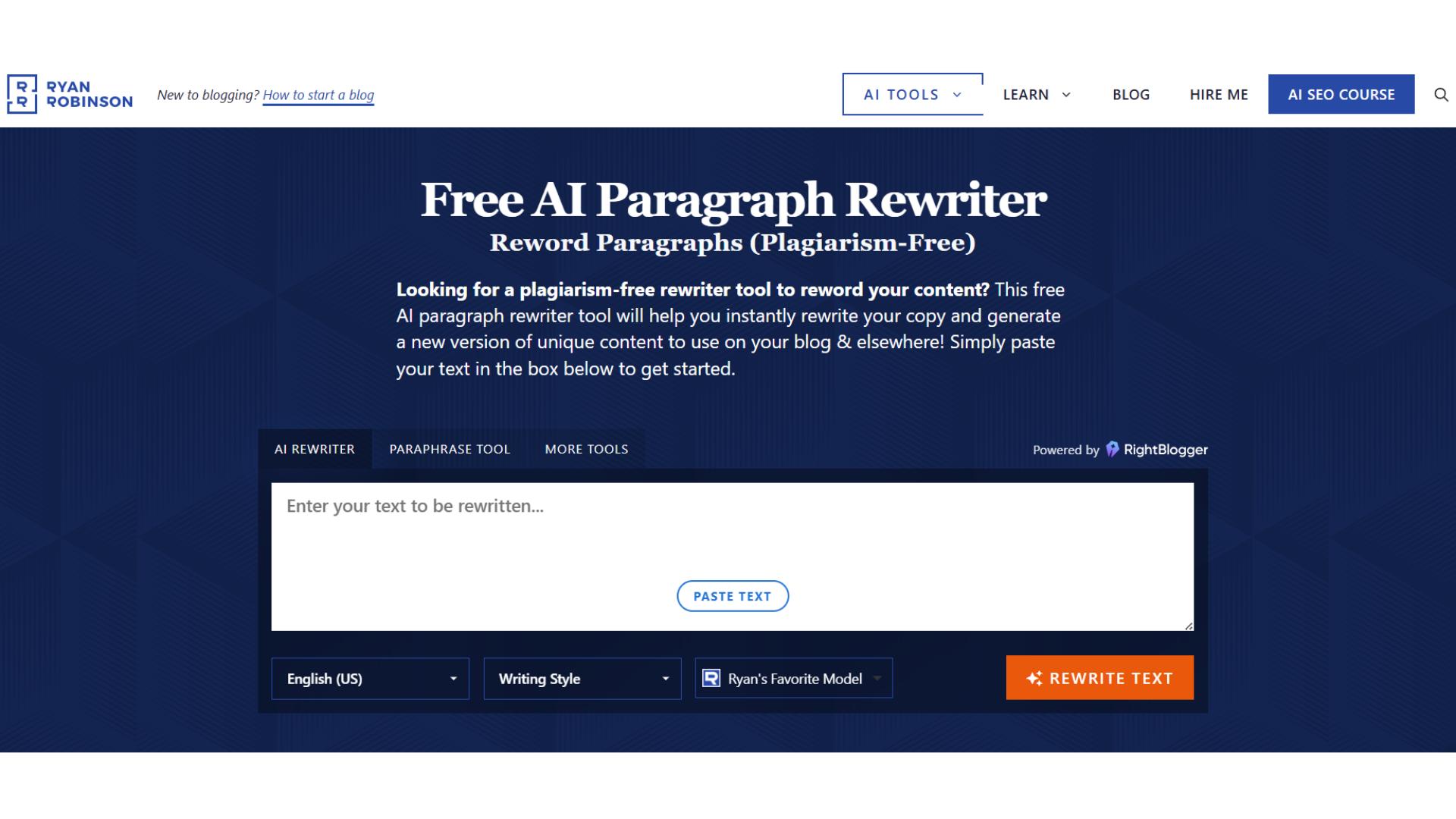
You can even choose fun options, like writing in the style of a middle school student. That is surprisingly useful for academic content types.
Plus, the language collection is vast. Covers almost all widely used languages.
On top of that, it has several rewriting engines. There are around 25 different engines you can select from to rewrite your text.
Humanization needs to be better.
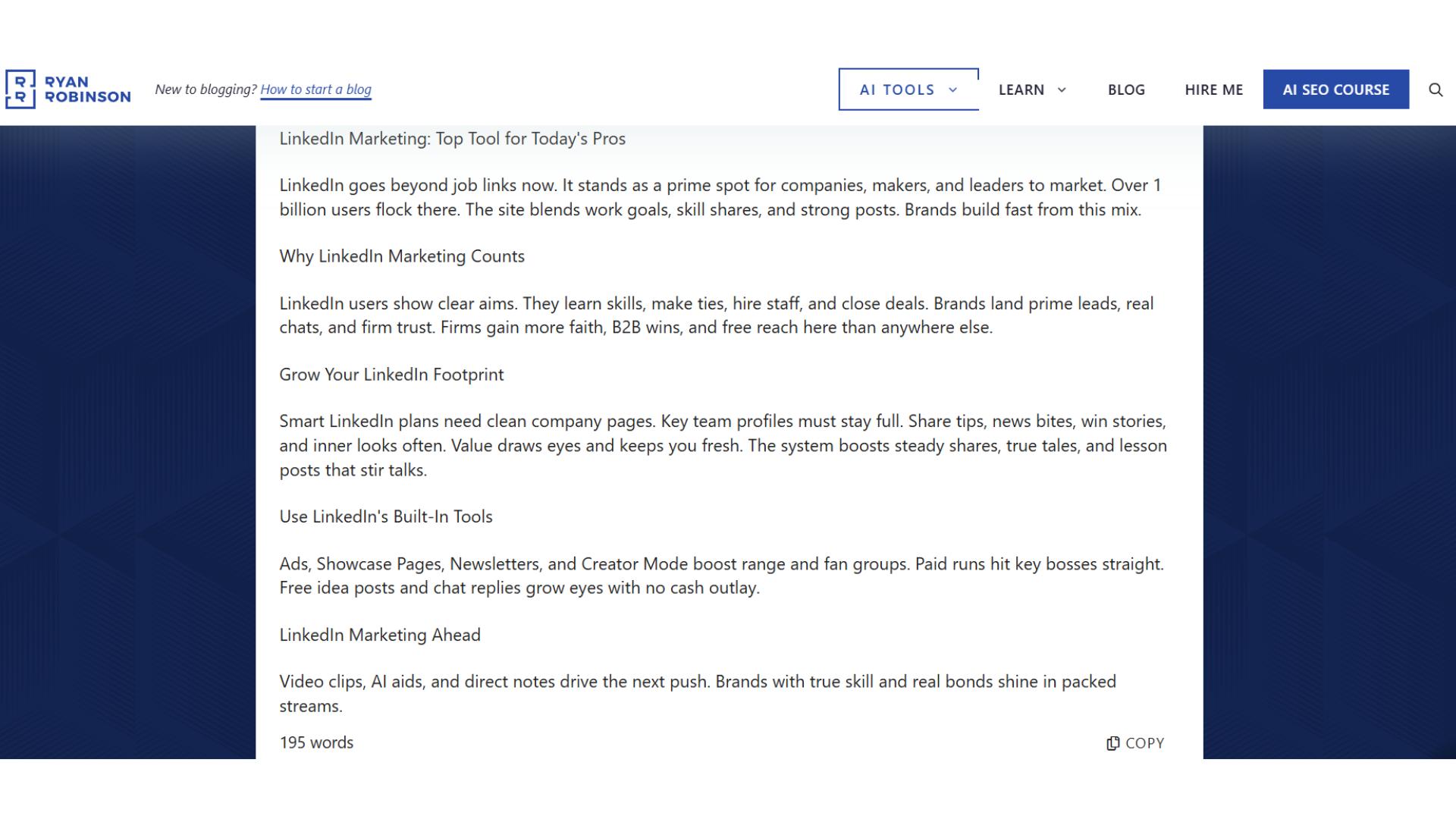
Otherwise, this flexibility makes it ideal for marketers, students, and content creators who need customized rewrites.
15. Rewrite Online by Monica
Rewrite online by Monica is another versatile rewriting tool.
Offers multiple modes, languages, and an intensity meter. It helps control how much the text changes you need. Something the rewording tool doesn’t have.
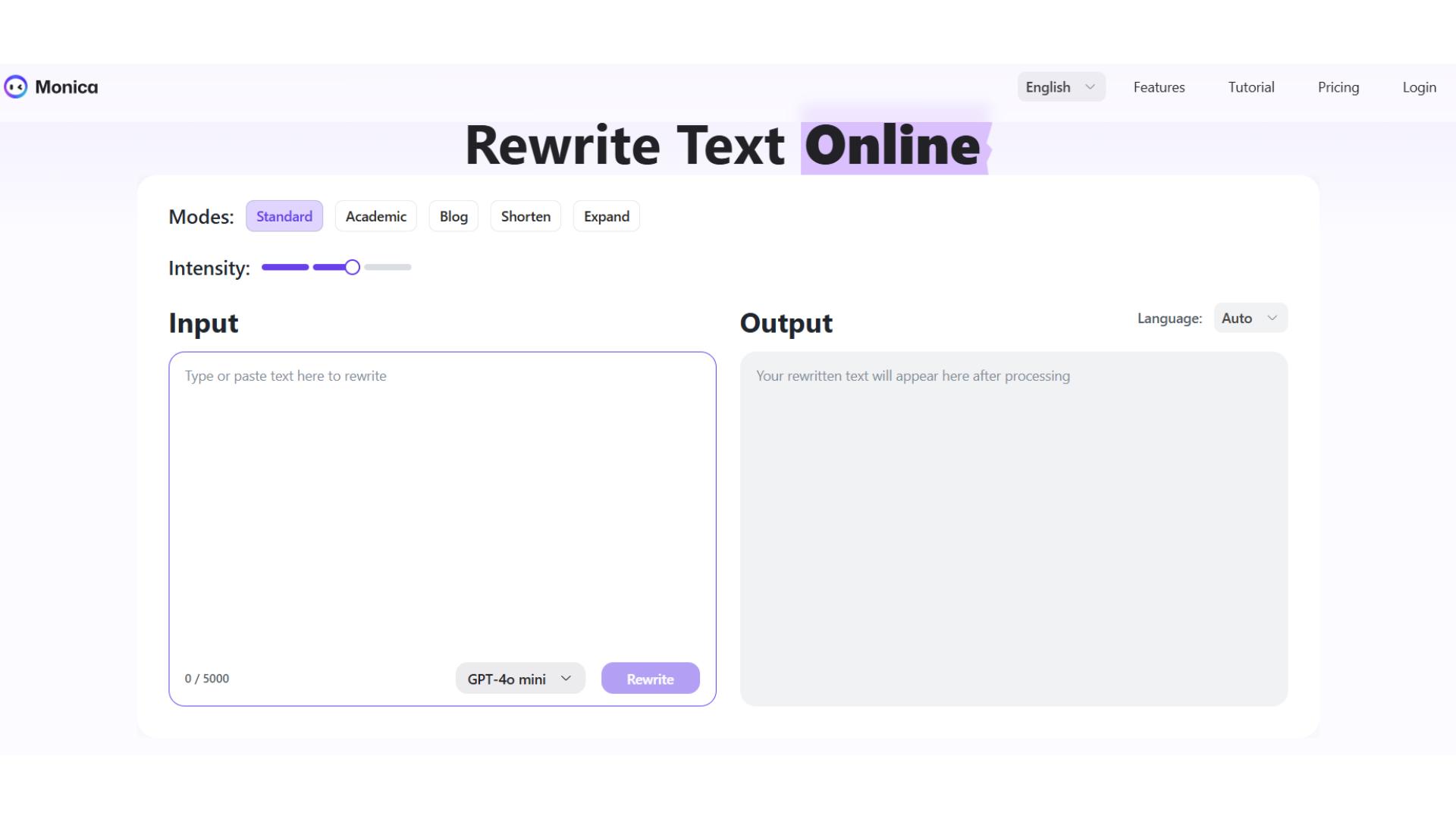
The tool also has different rewriting engines, both based on GPT. One free, one paid.
When it comes to modes, three are free, while two let you expand or shorten content. Handy for creating posts or essays.
The intensity meter is useful for adjusting the depth of rewriting.
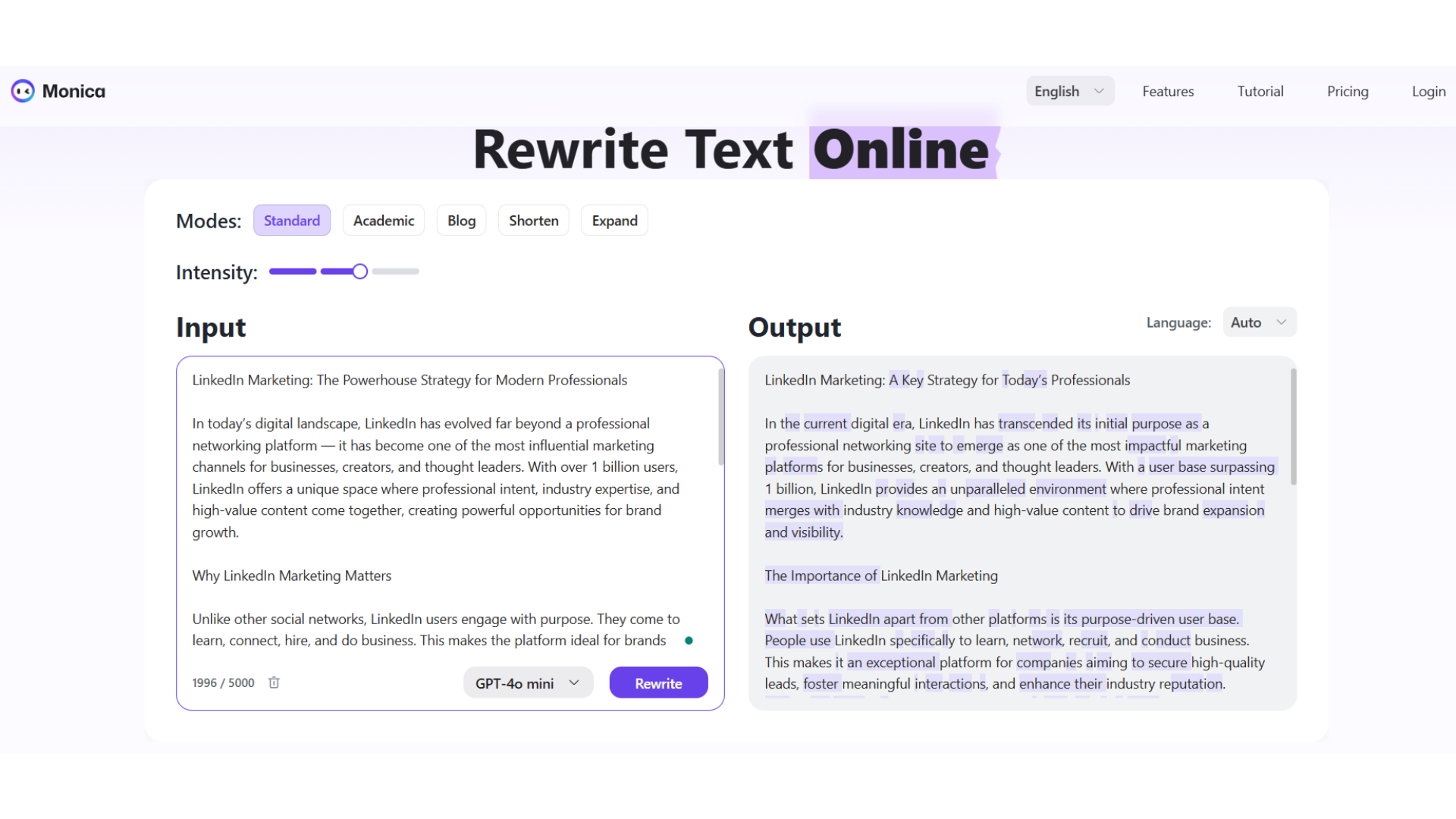
But despite these features, the rewording tool’s humanization accuracy still makes it the preferred choice for human-like text.
Conclusion
After comparing all these tools, I’ve come to this: not all rewriting tools are equal.
Some offer versatility, multiple engines, or intensity control. But many fall short on natural tone, humanization, or ease of use.
Rewording tool stands out because it balances simplicity, multiple tones, language options, and human-like rewrites
All without requiring a login or subscription.
So if you want fast, flexible, and genuinely humanized rewriting, the rewording tool remains the most reliable choice.